Summary
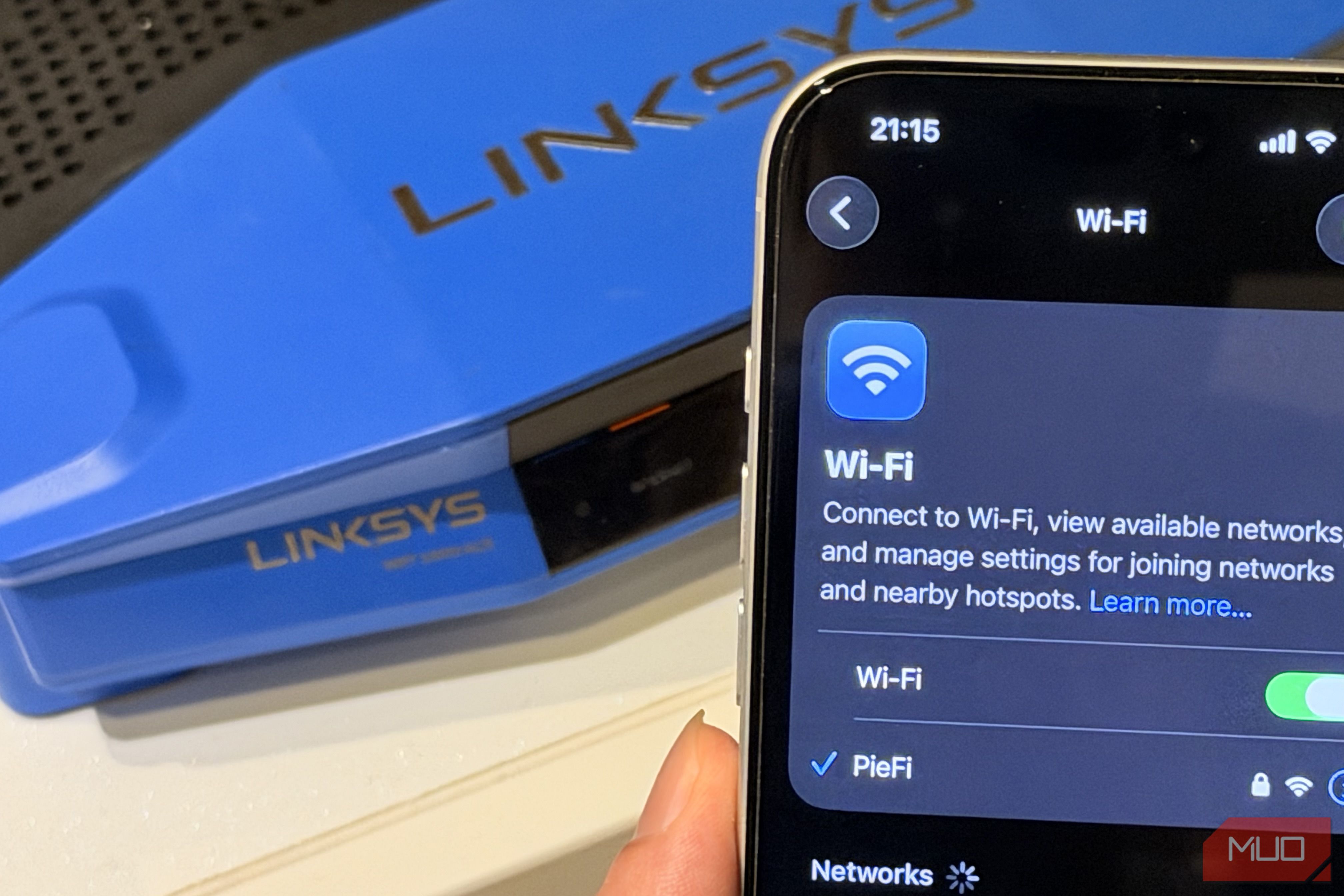
A fast internet plan doesn’t always mean you’ll get fast Wi-Fi. I learned this when my internet connection could deliver high speeds, yet my video calls stuttered and downloads slowed down on the other side of my home. Like many folks, I first blamed my internet provider. But then, I realized that Wi-Fi and internet connection are two different things. Basically, your ISP delivers internet to your home, and your router distributes that connection wirelessly to your devices. If something interferes with that wireless connection, your Wi-Fi can still feel painfully slow, no matter if you’ve got a fast internet plan. Before you put the entire blame on your ISP or pay extra to upgrade your broadband plan, you must check what’s happening between your router and your devices. Your router is in the wrong spot Router placement plays a huge role This sounds simple and obvious, but where you place your router has a huge impact on Wi-Fi performance. Most of us don’t really care about where and how the router is placed. They often end up wherever the ISP technician found a socket and installation is easy. This could be behind the TV or on the floor in a corner. Unfortunately, these are some of the worst places for a device that broadcasts radio waves. Wi-Fi signals can’t travel through everything, and they weaken with distance and every obstacle, like a wall, appliance, or fish tank. So, you have to minimize these obstructions between your router and your devices. The best spot for your router is central, high up, and out in the open. For instance, you can place it on a shelf or use a stand on your wall. Also, you should keep the router away from cables and electronics such as some Bluetooth devices and microwave ovens. Sometimes, this change alone can fix dead zones in your home. You’re using the wrong Wi-Fi band Not all Wi-Fi bands are equal Modern routers can broadcast on at least two frequency bands: 2.4GHz and 5GHz. Newer models can even add 6GHz. Each band has its own strengths and trade-offs. For instance, the 2.4GHz band can travel farther and penetrates walls better, but it’s also slower and more prone to interference from other devices. On the other hand, the 5GHz band delivers much faster speeds, but its range is shorter. The 6GHz band, available on Wi-Fi 6E and Wi-Fi 7 routers, is faster and cleaner, but its range is shorter. So you see, the band your device uses directly impacts both speed and range. Basically, none of the bands work best in every situation. If you’re sitting close to the router, it makes more sense to connect to 5GHz and enjoy faster speeds. On the other hand, if you’re farther away and there are several walls between you and the router, the 2.4GHz band can provide a more reliable connection. I’ve set up my router with two separate names for each band, and I connect my devices manually based on my needs. Your Wi-Fi channel is crowded It might be fighting for space Even if your router is in a good location and your device is using the right band, you might still experience slow internet speeds. That’s because nearby networks can interfere with your connection. This is very common if you live in an apartment in a big building or a densely populated area. There could be several routers nearby. As a result, your router might be fighting for space on the same channel. The 2.4GHz band particularly suffers the most because it has fewer non-overlapping channels (1, 6, and 11). That’s one of the biggest reasons you experience Wi-Fi slowdowns at certain times of day. Most routers default to “Auto” channel selection, but they don’t always make the best choice for you. Sometimes, the router may connect to a crowded channel. So, it’s a good idea to go to your Wi-Fi settings and switch to a less crowded channel. You .Your router might be struggling with your setup The router has a lot on its plate A modern household can have dozens of connected devices. Phones, laptops, TVs, consoles, speakers, cameras, smart plugs, doorbells, and whatnot. Modern routers can handle a large number of devices, so device count isn’t necessarily the issue. What matters is how capable the hardware is and what your devices are doing. For instance, a router can juggle dozens of smart bulbs without breaking a sweat. However, when multiple smartphones and laptops/TVs stream 4K videos, download games, or upload files to the cloud, that is another matter. Your router has to manage all these connections. An older or entry-level router might not keep up well with demanding workloads. It might not support newer Wi-Fi standards and wider channels. As a result, it might not handle multiple devices efficiently. If you own an older router, it’s worth checking which Wi-Fi standard it supports. A newer Wi-Fi 6, Wi-Fi 6E, or Wi-Fi 7 router can offer improvements, especially in busy households with many connected devices. But the actual hardware also makes a difference. A modern Wi-Fi 7 router will likely ship with a quad-core processor, 2GB RAM (or 4GB), and up to 512MB or even 1GB of onboard storage, with some routers offering higher specs across the board. Simply put, if you want more features like MLO, beamforming, more concurrent clients, and so on, you need more powerful router hardware. You might need an extender or mesh system Sometimes, one router may not be enough Sometimes your router could be fine and well placed, but your house could be too big or too awkwardly built for a single access point. If your home has thick walls, multiple floors, and long layouts, it might have coverage problems. This is where Wi-Fi extenders and mesh systems can offer help. Remember, they aren’t equal. An extender picks up the existing signal and rebroadcasts it farther into your home. It’s cheap and simple. An extender can help you fix a dead zone or expand coverage into distant areas. You have to be careful with its placement. If you place it in an area with a weak Wi-Fi signal, it will rebroadcast only a weak signal. A mesh system uses multiple nodes to provide Wi-Fi coverage across a larger area. This is usually a better option for larger homes with multiple floors and difficult-to-cover areas. There’s more to fast Wi-Fi than speed When your Wi-Fi feels slow, upgrading your internet plan isn’t the only solution. Start with simple things that we’ve talked about. You must also check your devices. An older phone, laptop, or tablet may have an outdated Wi-Fi standard or wireless hardware. If your devices are outdated, you’ll get poor speeds even with a top-tier router. It can also drag down performance for other devices on the network.