Summary
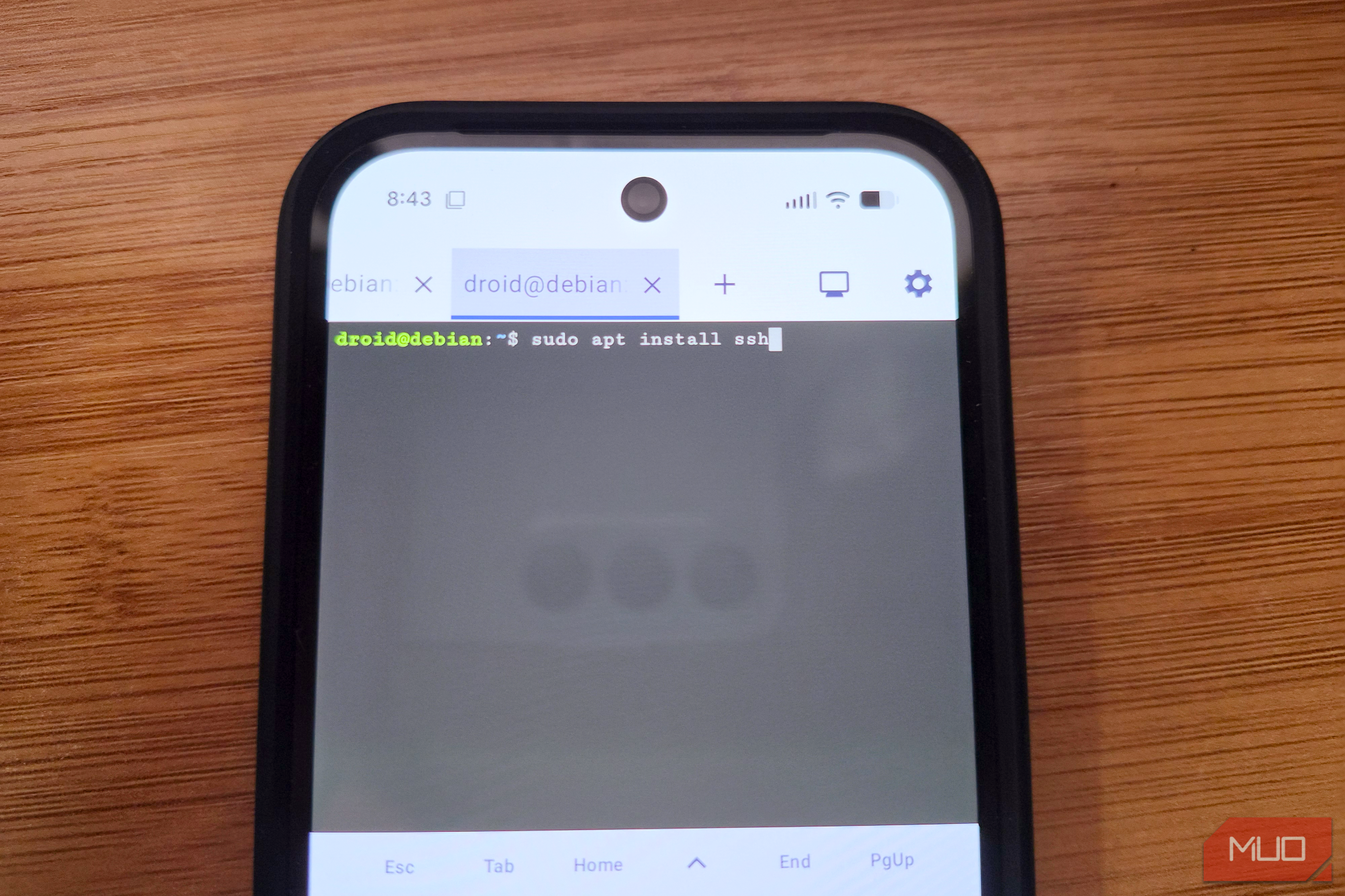
There was once a time when logging into a remote server meant heading back to your computer or whipping out a laptop. Now, smartphones offer another option. It’s always with you, has an internet connection, and there are plenty of apps that can get the job done. But a lot of people have been put off using a phone to SSH into their server by the terrible experience. Small displays, slow and unreliable connections, and laggy touchscreen keyboards didn’t make for a great experience. Thankfully, those days are behind us. Modern phones have dealt with those previous shortcomings and then some. And the apps are pretty great, too. You might be surprised how great your phone as an SSH terminal can be these days. The mobile terminal revolution Apps aren’t basic shell clients anymore It’s fair to say that early mobile SSH clients were poor. In fact, that might be overly kind because they were little more than basic telnet ports on a touchscreen. But modern apps are a whole different ball game, and in a lot of ways, they can be even better than the standard terminal experience on a Mac or Windows laptop. The latest terminal apps on the iPhone and Android devices feature hardware acceleration, custom font rendering, and a raft of configurable options that make them a pleasure to use. They look and feel great to use, and are far from the second-rate experience that you might have been subjected to a few years ago. Another advancement that newer apps benefit from is advanced session management. These features mean that you no longer lose your connection as soon as you leave the app. Multitasking on a phone is something we all take for granted these days, and session persistence and management means the very best terminal apps work great alongside your other apps, too. Hardware is no longer a limitation Smartphones are pocket computers Just as the software has come on in leaps and bounds in recent years, so has the hardware. It’s impossible to buy a bad or slow phone if you choose one released in the last few years. Today, phones are more like personal computers in your pocket than the devices we used to call and text people on a couple of decades ago. They have big, gorgeous displays with great contrast and fast refresh rates. Their incredibly high resolutions mean text looks every bit as good — and sometimes even better — than it does on computer screens. And the bigger displays make typing on their keyboards easier than ever before. You don’t even have to use that touchscreen keyboard if you don’t want to. USB-C ports mean keyboards can be easily connected to any phone, and Bluetooth is an option if you want to avoid cables. You can even plug your phone into a monitor if you want to see your SSH commands on a bigger screen. The perfect form factor It’s just text, after all It’s worth remembering that SSH is inherently perfect for use on something like a phone. Its reliance on text and command line entries requires very little bandwidth and screen real estate. Compare that to trying to connect to a computer using a remote desktop solution and SSH is the clear winner. SSH commands also work just the same no matter how you provide them. Whether you’re using a high-end gaming PC or a phone, the SSH terminal behaves the same regardless. Commands don’t run more quickly or more slowly either way. The text-based approach also means that you don’t need any additional accessories. No cursor means no pointing device is needed, so your phone has everything it needs to get the job done. If your primary tasks involve checking system logs, restarting services, editing configuration files, or managing Docker containers, a smartphone SSH connection can do all the same things that a dedicated laptop setup can. Your laptop is now optional Terminal access, anywhere and everywhere It obviously isn’t time to throw away your laptop and rely on your phone for everything, and that includes using it to SSH into your server. A laptop is clearly the best tool for a whole host of things, including administering servers via a terminal window. That’s especially true if you’ll be doing it for longer periods or for more complicated tasks. But that isn’t where the phone SSH client excels. What modern terminal apps offer is a quick, easy, and hugely convenient way to connect to a remote server whenever you need to, no matter where you are. You don’t need any special hardware, and you already have an internet connection built right in. Mobile SSH has matured beyond the last resort it once was to become a reliable and capable option for more people than they probably realize.