Summary
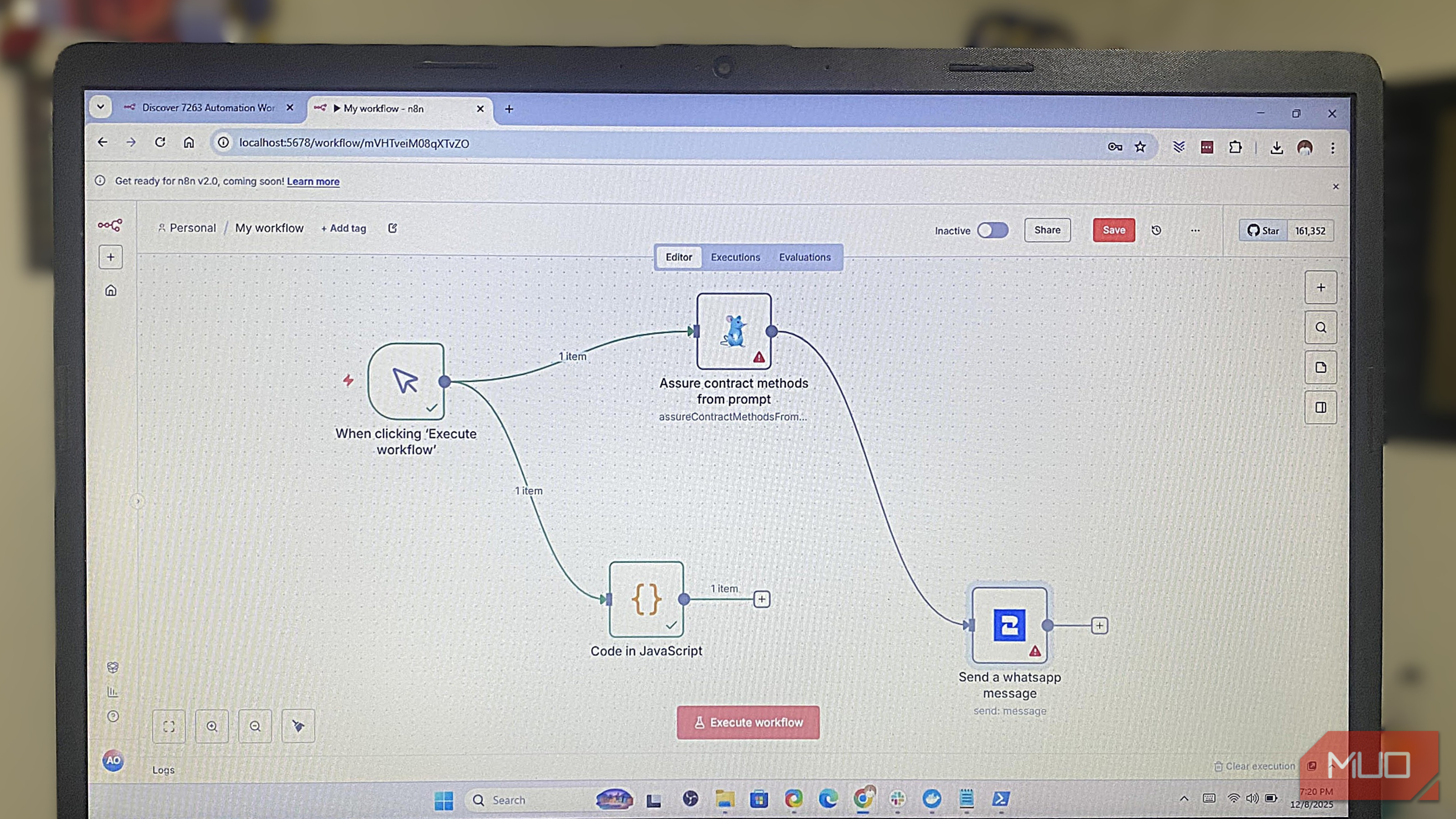
I used the 6 Virtual Private Server (VPS) that I set up myself. The workflow is different even though it yields a similar result. The submission is written into my self-hosted NocoDB database, and I get a Telegram alert instead of a Slack ping.
Replicating this workflow wasn’t instant, nor was it the nightmare I had initially feared. Webhooks were the part that slowed me down, since my form needed a publicly reachable HTTPS endpoint to send submissions to my n8n instance. My first attempt received no submissions, and I eventually had to point a domain at the server and configure the webhook properly before it worked. But in all, this entire setup was a single evening’s work.
The convenience I had with Zapier was reduced in the new workflow, but this was a process I could open, read, and personally fix.
Four subscriptions collapsed into one canvas
Where each old workflow actually landed
This contact form was just one workflow, but not the only thing I had scattered in the past across four separate logins.
At one point, when a new article went live on my blog’s RSS feed, IFTTT posted a Discord message and then a tweet. There was a separate workflow with Make that ran a weekly Airtable check and emailed clients when an invoice was overdue. Power Automate was a holdover from an old client’s project. It emailed me a summary of specific numbers pulled from a OneDrive spreadsheet every Monday.
The usefulness of these four tools is now all consolidated inside n8n as workflows I see on a single screen.
|
Old tool |
What it did |
How it’s replaced now |
|
Zapier |
Form → Slack + Sheets |
NocoDB database + Telegram, one workflow |
|
IFTTT |
New post → Twitter + Discord |
RSS node → X + Discord |
|
Make |
Overdue invoice emails |
Airtable trigger → conditional Gmail node |
|
Power Automate |
Weekly OneDrive report |
HTTP node pulling the OneDrive API |
n8n doesn’t replicate all the workflows I ever did with these four, but that didn’t bother me much since most of what I needed was either already a node or reachable through a plain HTTP request.
The invoice workflow is a basic example of why n8n works for me. In the past, I had a workflow with about five filter steps to check three conditions before deciding who to email. Now, a Code node handles this kind of logic in six lines.
Control has a maintenance bill, and I pay it
What broke, and what I watch for now
There is a price you have to pay for full control. For me, it showed up as a disk-space warning. My drive started filling faster than I expected on a small VPS with workflows firing multiple times every day. The first fix involved learning about execution-data pruning settings. That’s something I never had to think about with Zapier.
n8n also has cloud plans that charge for workflow execution instead of individual steps. I prefer that model because I can build more logic into a workflow without thinking about every individual action. If you self-host n8n, you don’t pay n8n based on those executions, but you carry the burden of running the server yourself.
I also recommend running n8n’s security audit occasionally. On one occasion, it flagged a webhook I’d left without any authentication.
I stopped picking an app and started building
The best part of this change is that when I need a new automation, I don’t need to open several tabs to figure out the service that can do it. I just turn to n8n.
That shift was more significant than the money savings. Rather than asking, “Which tool handles this?”, I now ask, “How do I build this on the system I already understand?”
Practically, this n8n setup isn’t for everyone. But full control means a lot to me. I can tweak my workflows whenever I want without waiting for a service’s roadmap to add the exact behavior I need. So n8n isn’t doing more, per se, but far less is decided by someone else now.
 n8n
n8n
- Platform(s)
- Browser-based. Available through managed n8n Cloud or self-hosted using Docker, npm, or a server installation
- Developer
- n8n GmbH, Berlin, Germany
- Price model
- Free self-hosted Community edition n8n is a flexible, open-source workflow automation platform that lets you visually connect apps, APIs, and AI models to build powerful multi-step automations with or without code