Summary
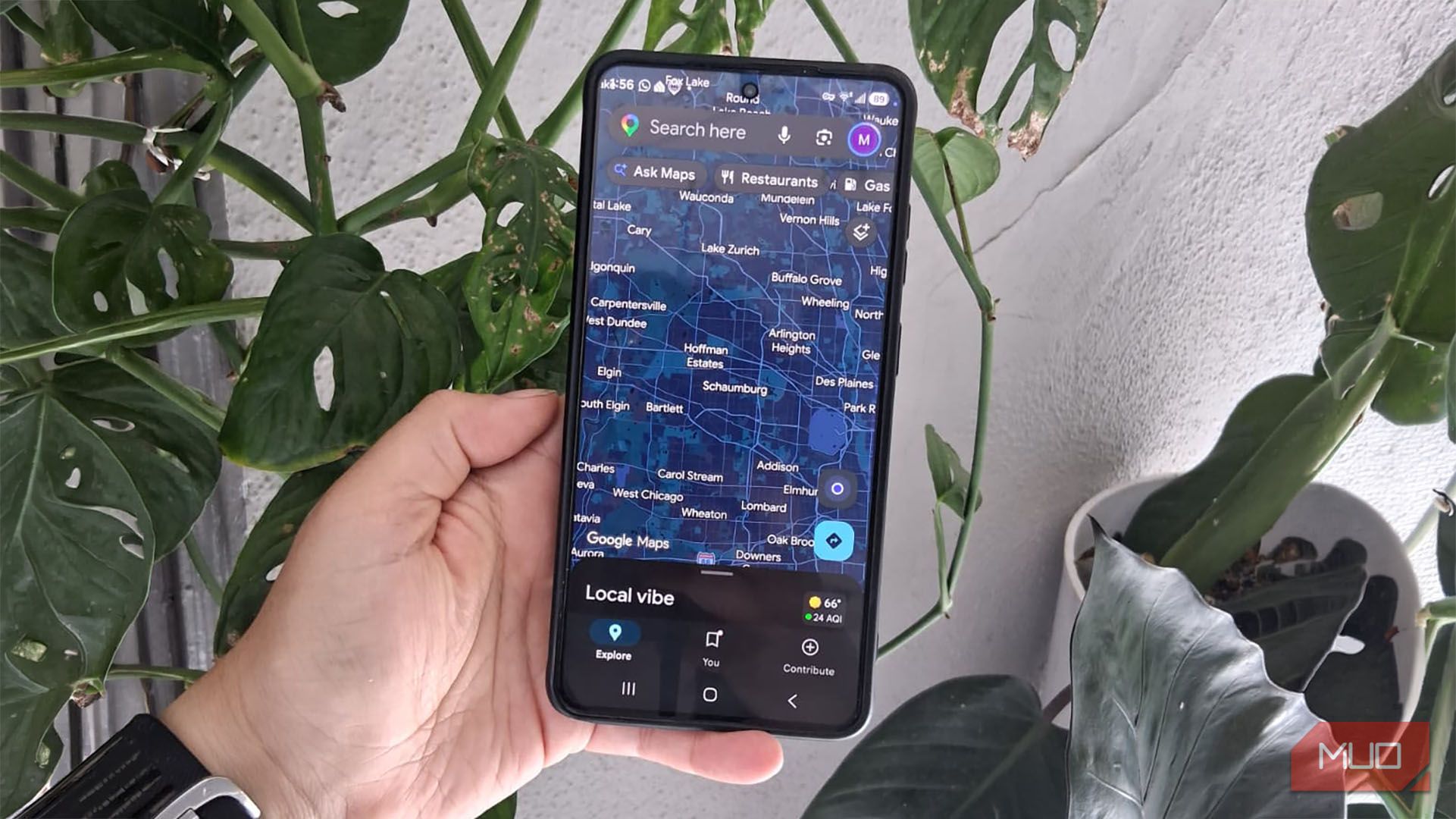
Until earlier this year, finding a place on Google Maps was often just the first step. If I wanted more information about a place, I would leave Maps and go to Gemini or search Google for the business. That’s why I’m happy Ask Maps now gives me much of what I need without making me leave the app. It’s not just the obvious stuff, like traffic or accidents on my route. I can use Google Maps to get the info I need before I leave or while I’m parked between stops, to research places and decide what I want to do next. Now that I’ve used it, Ask Maps has spoiled me rotten. Leaving Maps to do that extra research feels like too much work. The star rating only tells me so much I asked Maps what people kept complaining about Recently, I wanted to know more about a local coffee shop. I wasn’t going to read over 511 reviews just to see what people were complaining about. So I asked Maps to do it for me and pinpoint the main complaints in customer reviews. It told me the coffee shop had limited seating and was crowded during peak hours. Ask Maps gave me useful details. It told me the most popular coffee, pastry, and breakfast dish, even though I only asked what was popular. It even showed me pictures. I could also see how easy it was to get free parking. I also wanted to know how crowded the place gets. Ask Maps told me it was pretty full at the time and that it gets busy between 8 a.m. and 2 p.m. Ask Maps is a real time-saver for me because it gathers much of the information I need without making me dig through it all myself. I forgot about places I wanted to try My saved spots were easier to find when I asked When I asked Ask Maps which nearby coffee shops I had saved, it pulled up several places from my Want to go list right away. I also asked which coffee shops I had interacted with before, and those results matched the places I remembered. Ask Maps can personalize responses with saved lists and Maps when Personalized Recommendations is enabled, so your results may differ from mine. I was surprised to see it also showed me details like whether I had reviewed the place and when I first searched for it. I could see business hours, whether it was open at the moment, and a few pictures of the food and the business. That info was useful because it gave me enough to decide whether to open the place’s Google Maps listing for more details. I was also curious about how it would guide me if I wanted to walk somewhere. When I asked how long it would take to get to one of my favorite coffee shops, Ask Maps estimated about 14 minutes on foot for the 0.7-mile trip. It also showed me the walking route on the map, even though I had only asked how long it would take. That made it easy to see whether I needed to drive there. I checked the trip before I actually left I wasn’t counting on 105-degree weather The drive itself looked easy. I asked Maps if there were any problems on my route, such as:
- Accidents
- Construction
- Road closures
- Major bottlenecks It didn’t find anything, and Ask Maps said it would take about four minutes to get to the coffee shop. It said Montana St. was the most direct route. It gave me another option, but it didn’t save me any time. Then I asked about going Saturday at 2 p.m., and I’m glad I did, since the temperature could reach 105℉ (41℃). I used a non-Google weather source to double-check it, and the forecast showed temperatures in roughly the same range. I also asked Ask Maps what time I should leave to get to the coffee shop by 8:30, and it said I should leave around 8:15 to 8:20. Since Maps can’t predict last-minute problems that could delay my trip, I like to give myself an extra five minutes, just in case. I’d rather know what my route will look like before I head out the door. AI can make mistakes I didn’t get the results I wanted the first time I didn’t like having to ask Ask Maps a few times which coffee shops were closest to me just to get a better idea of my options. It gave me several decent options, but I know the area well, and other good coffee shops were much closer. Some were literally around the corner, while the first results were a few blocks away. Since I already know AI can make mistakes, I asked the same question two or three times on purpose. Only on one of the later tries did some of the closest coffee shops finally appear. At first, I wondered whether businesses had to pay to show up in Google Maps results. They don’t have to pay just to be listed. Google says businesses can create or claim a Business Profile and list themselves on Search and Maps for free. I still think it’s worth asking again A second try beats missing something nearby True, it can be annoying when Ask Maps doesn’t give me the results I want the first time, especially when I’m in a hurry. But AI can make mistakes, and by now I expect it. That’s why I try to plan ahead when I can, so I have time to ask again if something looks off. Of course, I can’t always do that. If I have to ask the same question twice just to be sure I’m not missing something nearby, I accept that as part of using AI. At least it gives me a much better starting point than figuring everything out on my own. What should I do instead, start checking every nearby coffee shop one by one? Ah, no. That takes more time. I’m leaving Maps a lot less now I know Ask Maps may not always get it right the first time, but it helps me find what I need without multitasking with another app. That’s enough for me to keep using it and have it become a must whenever I head out. Next time you need to go somewhere, plan your trip with Ask Maps, and you might be surprised by how useful it’ll be.