Summary
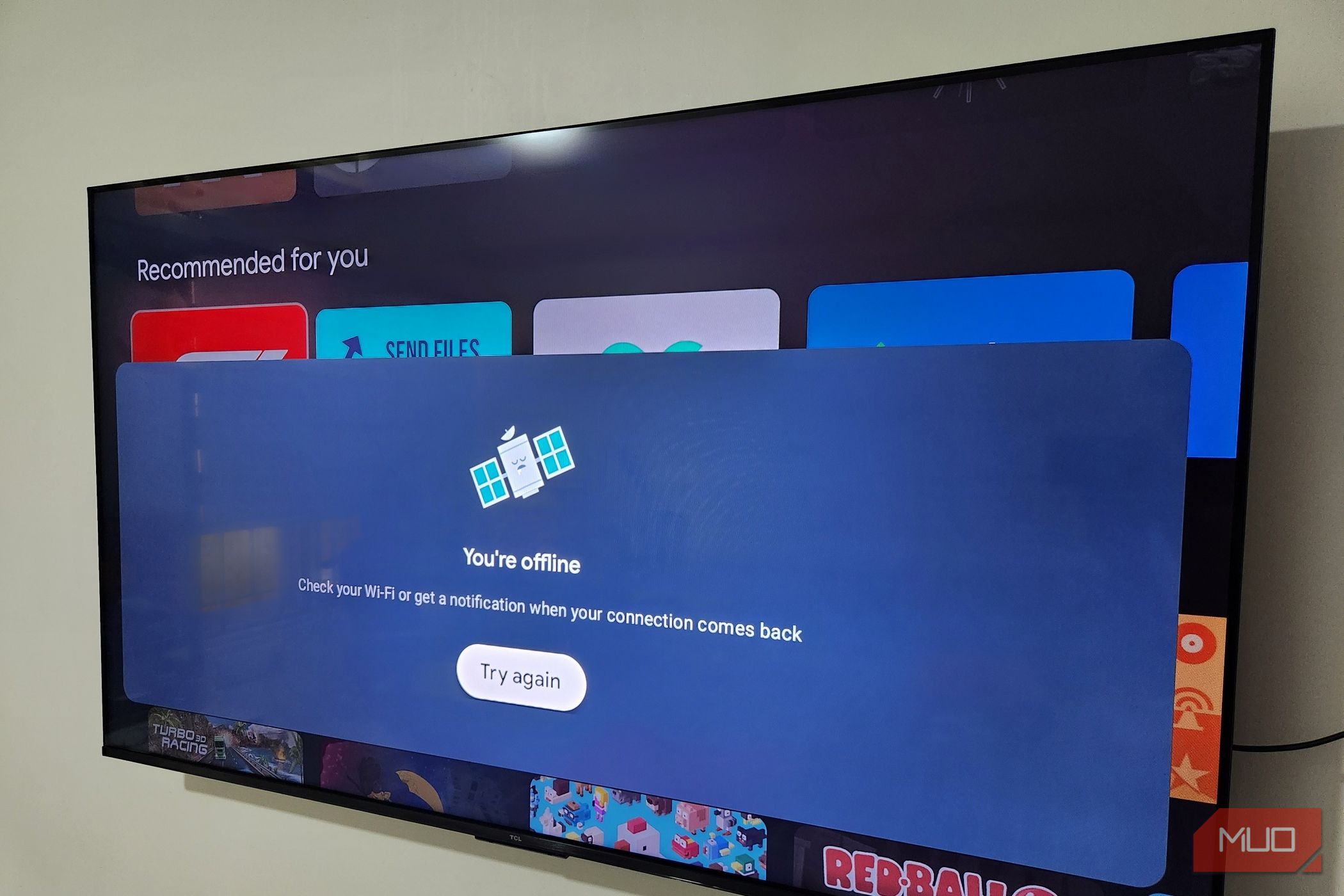
A smart TV seems like a harmless device for streaming content, but it’s easily the most invasive gadget in your living room. It logs all kinds of information about you and ships that data off to the manufacturer. Its ability to connect to the internet is what makes all of this ridiculously easy. After realizing how this entire system works and reading several instances of TV manufacturers blamed of spying on users, I decided to disconnect my smart TV from the internet entirely. Spoiler: it didn’t make my TV useless. Your smart TV’s biggest strength is also its biggest problem No wonder TVs are cheap Smart TVs earn the “smart” label through their ability to connect to the internet. That’s what lets you stream movies and TV shows, watch YouTube videos, browse the web, and enjoy cloud gaming. Connectivity is the whole pitch. It’s also the catch. That same connection also lets your TV log what you watch, which sites you visit, which games you play, and what apps you like. It’s all done through the built-in features like diagnostics, logs, and ACR. In fact, that’s essentially the business model for most TV manufacturers. TVs aren’t priced like hardware anymore — they’re priced like a loss-leader for whatever happens after the sale. LG, Samsung, Sony, Hisense, Vizio, Roku, and most other manufacturers make real money from the ads and the data they collect. And it’s not like you can tweak a few privacy settings to be sure that your data stays safe. There’s no 100% certainty here. LG was recently accused of recording and logging conversations without consent. The company obviously denied it, but that’s not even the whole problem. A hacker could potentially hack the TV and use it as a listening device. And if your TV has a camera, that’s even worse. All of that can be easily avoided if the TV isn’t connected to the internet in the first place. Cutting the internet doesn’t make a TV useless Think outside the box Disconnecting the TV from the internet sounds a bit extreme, but it’s really not. There are still plenty of things you can still do. For instance, connecting your TV to an external device like an Apple TV box is a much safer way to stream. The connected device obviously needs the internet, but that’s very different than the TV itself sitting on the network. In this case, it’s the streaming device that handles your data — the TV simply acts as a display. So yes, as long as you pick the right streaming device, privacy isn’t an issue. Another option is to set up a Plex server or a NAS box that can help you stream your personal media library to every TV in your house offline. This does require some work, and if you want to skip that, a Blu-ray player or a USB drive works too. Cable TV is always an option too. If you want live channels but don’t want to connect the TV to the internet, the good old cable connection gets you there. Connecting your TV to your phone or PC via HDMI is another option. You can mirror or extend your display and do basically anything you’d do on a TV. If you have a Samsung phone, you can even use wired DeX for a full desktop-style display for browsing the web, running Android apps, and some lightweight productivity work. My favorite apps still work offline Install once and use them forever Not every app on a smart TV needs the internet to actually be useful. Fotoo is a good example. It’s a simple photo slideshow app that turns your TV into a digital frame. It can cycle through pictures stored on your TV or a USB drive. You can even try an app like Dat: Date and time for TV to turn your TV into a digital clock. Offline games fill a similar niche. A lot of games, like Asphalt 8, Crossy Road, Ludo King, and Tournament Pool, can work fine without a connection. The catch is getting them there in the first place. All of these still need to come from the app store initially, which means the TV needs a connection for that one step. If you want to skip that entirely, you can sideload APKs directly from a USB drive. Of course, all these things do take some work rather than simply connecting the TV to the internet. I won’t deny that. Still, it’s all worth the extra effort if you want to protect your privacy. And the best part is, you can still stream everything you want, play games, browse the web, and do almost everything else the way you did before.