Summary
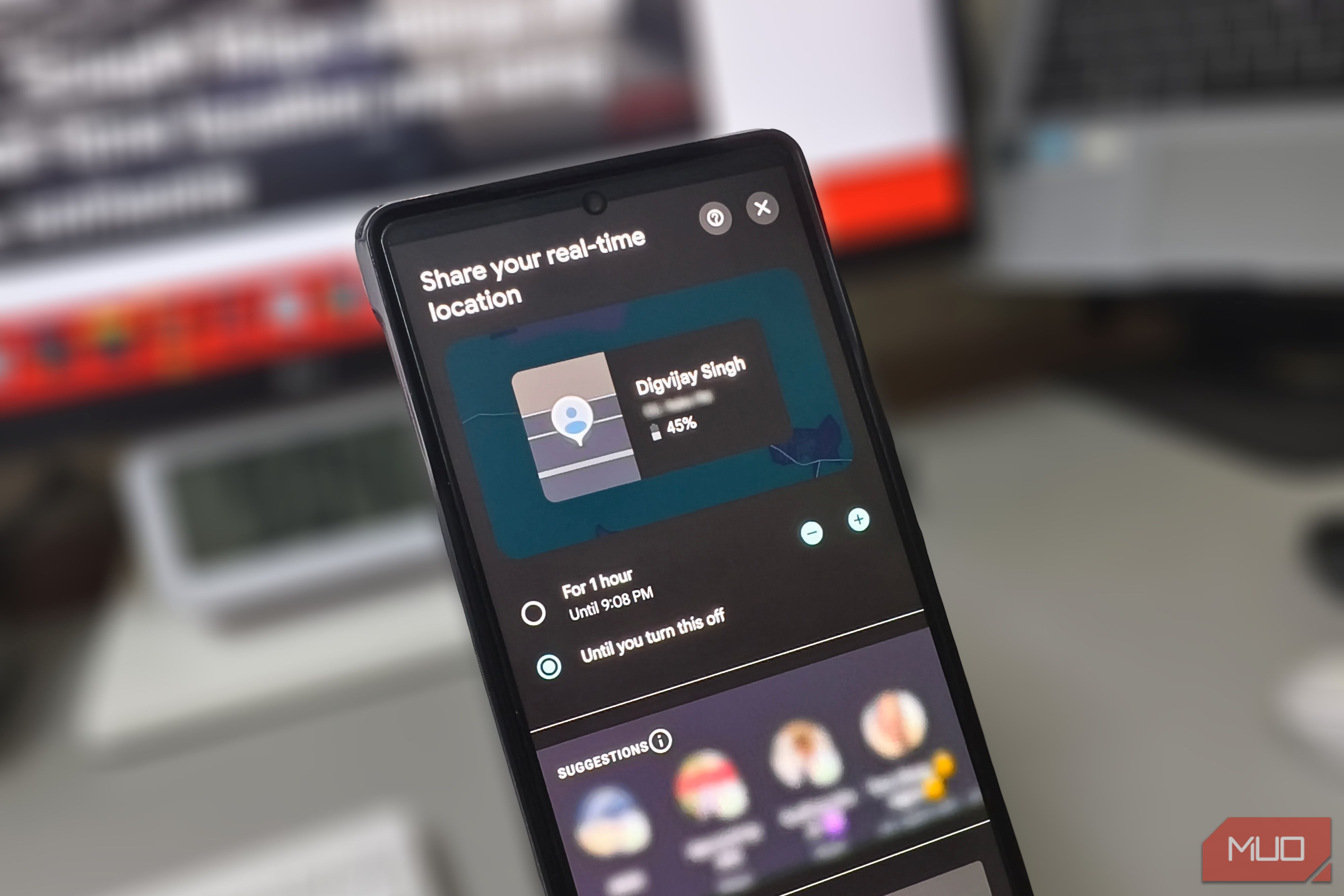
Someone had been able to see exactly where I was, in real time, for months. It wasn’t a tracking app or anything suspicious, but an ordinary Google Maps setting I had turned on during a trip and never switched off. I had tightened my Google privacy settings since then, reviewed app permissions, even turned off Location History. None of it touched what was happening inside Google Maps. My live location was open all along The setting that never turned itself off Google Maps lets you share your real-time position with people you choose. Once active, the other person can watch you move across the map as you drive, walk, or stay in one place. Google Maps also shows them your battery level and mode of travel. You can set this to expire after a set number of hours, but there’s an open-ended option that runs until you manually stop it. I turned it on during a trip with a friend, and at the time, leaving it running made the most sense. We were heading to a city neither of us had visited, driving separately. The route had a few stretches where we’d likely get split up, so we shared our live locations instead of relying on phone calls. I didn’t know how long the drive would take, and an expiring timer felt risky. The weekend ended, we drove home, and I never touched the setting again. Months later, when I found his name still in my sharing settings, I realized my coordinates had never stopped broadcasting. Every place I went, every time I stayed put, all of it had been visible on his map. He probably forgot about it too. But the feature kept running exactly as I’d set it up, silently feeding my position to someone I hadn’t spoken to since the trip. Turning off location history won’t help here Timeline and sharing are completely separate Before I even found that active share, I had switched phones, cleaned up some Google account settings, and turned off Location History as part of a general privacy sweep. Google has since renamed that setting to Timeline. Turning it off stops Google from logging the places you visit, and at the time, that felt like I’d tightened things up. But Timeline and location sharing are completely separate. Timeline is a personal log only you can see. Location sharing is a live broadcast to someone else’s phone. I could have deleted my entire travel history and it wouldn’t have changed a thing. My real-time position would have kept streaming to my friend’s map. Google sends email reminders that sharing is active, but they arrive alongside other account notifications and are easy to miss. Nothing inside the app ever prompted me to check. Check who can still see your live location Where Google buries your active shares Once I knew the share was still running, I wanted to see how much had been exposed. The setting lives inside Google Maps, tucked under your profile picture. I tapped Location sharing, and there was my friend’s name with a timestamp stretching back months. Stopping it took a single tap, and his access was cut immediately. You can find the same list from your Google Account page if you’d rather manage it from a browser. While I was there, I found another setting I hadn’t noticed before. Anyone you’re sharing with can set up notifications to know every time you arrive at or leave a specific location. That means someone could be getting an alert whenever you leave your house or show up at work, on repeat, for as long as the share runs. Google does notify you once when they first set it up, through an email and an optional push notification. But if you miss that one alert, there’s no follow-up. There’s also a master toggle in your Google Location Sharing settings, but turning it off doesn’t actually end any of your active shares. It just freezes them. Your contacts still see you on their map, stuck at your last known position, and the shares resume the moment you turn it back on. If you want to fully cut someone’s access, you have to stop each share individually. Set a timer next time The next time you share your location for a trip or a meetup, set a timer instead of leaving it open-ended. And if you’re not sure whether an old share is still running, it probably is. Two minutes in your Google Maps settings is all it takes to find out.