Summary
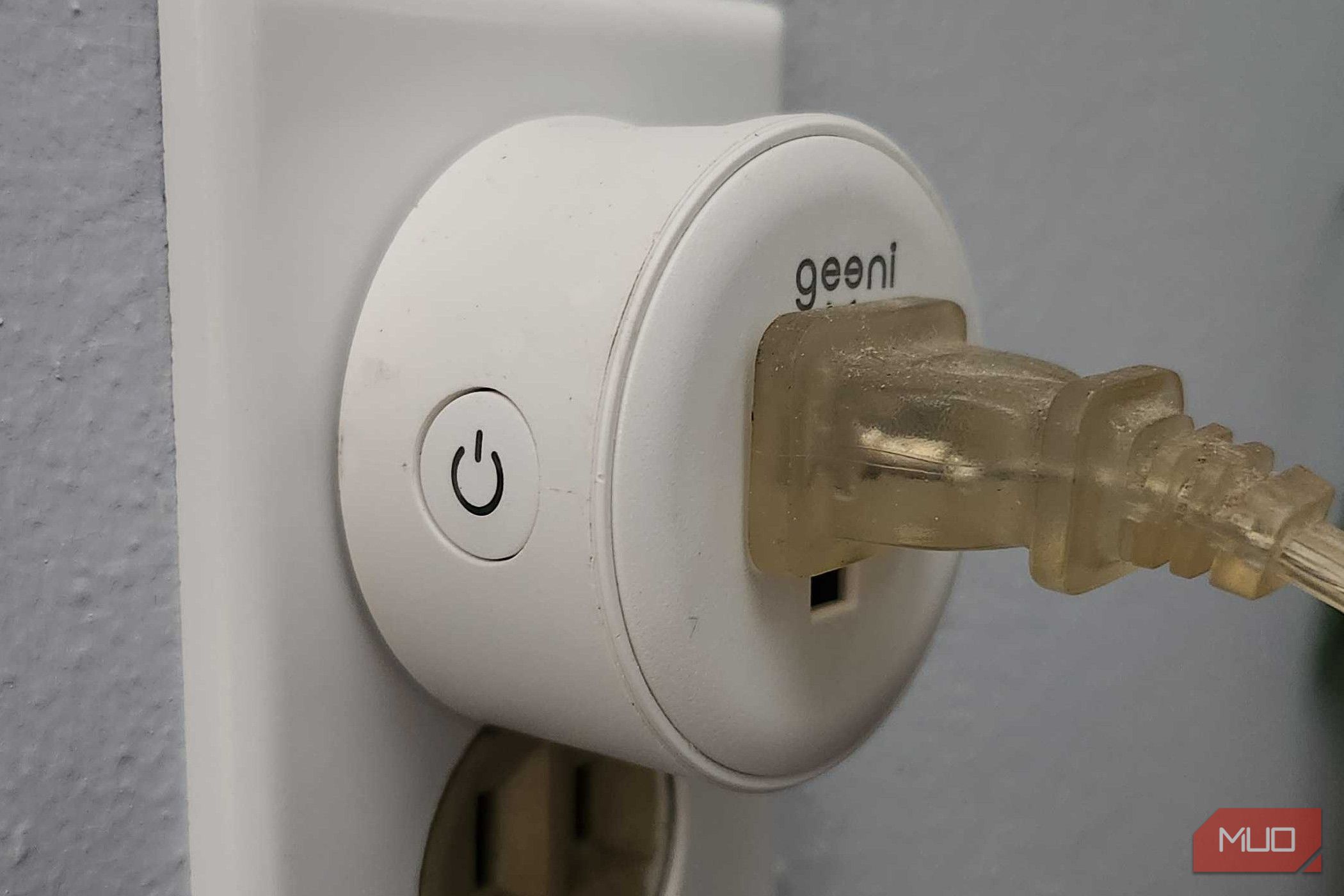
A smart plug is one of the cheapest ways to make an old appliance feel surprisingly modern. Put one between the appliance and the wall, and suddenly you gain remote switching, schedules, voice controls, and in some models, even energy monitoring. There is only one catch: a smart plug can only cut or restore electricity. It cannot press a soft-touch button, select a mode, or turn a dial. The best candidates have mechanical controls or automatically resume their previous state after an outage. So before building an automation, unplug the appliance, reconnect it, and make sure it restarts as expected. Air conditioners are the biggest payoff, and the biggest risk Check the plug’s motor rating before you plug in a compressor An AC offers the biggest payoff because a smart plug can become the actuator in a complete climate-control system. I paired mine with a simple DHT22 temperature and humidity sensor and Home Assistant. When the room passes an upper threshold, the plug turns on. Separate thresholds prevent constant toggling, while occupancy and door sensors can stop the system from cooling an empty or open room. Check the plug’s rating first. TP-Link says its Tapo and Kasa plugs are built mainly for resistive loads and aren’t suitable for high-power motor loads like air conditioners, because the startup surge can exceed the relay’s rating. Look up your plug’s maximum load and horsepower rating, and match it against the AC’s nameplate before relying on it. This only works if the AC reliably resumes cooling after power returns. One of my ACs doesn’t do that, meaning I had to write custom automation logic that measured power draw to ensure the AC was actually turned on and running instead of just being on standby. A fan with a knob is the perfect first victim Leave the dial where you like it and let the plug do the rest A fan with a rotary speed knob is almost the perfect candidate. Leave it at your preferred speed, then use the plug for bedtime schedules, voice commands, geofencing, or temperature-based control. A bedroom fan could stop after you fall asleep, while a workshop fan could run only when someone is present. Energy monitoring also provides a useful diagnostic bonus here. A change from the fan’s usual power draw may indicate a different speed setting, restricted movement, or a developing fault. Since a fan is still a motor load, check the plug’s motor rating rather than relying on its headline wattage. Teach a dumb humidifier to stay in the healthy range A dead band between 32 and 45 percent stops the chatter A basic humidifier with a physical dial can become more capable than many app-connected models. Pair its plug with a separate humidity sensor and create a dead band: turn it on below 32 percent relative humidity and off at 45 percent, for example. That prevents rapid switching while staying within the EPA’s recommended indoor range of 30 to 50 percent. That said, a smart plug cannot detect an empty tank or clean the reservoir. Keep the humidifier’s low-water protection enabled, prevent mist from reaching the outlet, and follow its cleaning instructions. Automation should regulate runtime, not replace maintenance. An air purifier that reacts to the air, not the clock Power-loss memory decides whether the plug can restart it Pair an older air purifier with a smart plug and an independent PM2.5 sensor, and it can respond to actual air quality. It might start after cooking or cleaning, then shut down once particle levels fall. The EPA says portable air cleaners can reduce indoor pollution, although filtration should supplement, not replace, source control and ventilation with clean outdoor air. A purifier with mechanical controls or power-loss memory is recommended. Many electronic models remain off when power returns, so a plug cannot start them. Energy history can also estimate operating costs and reveal an unusual increase in consumption, although it cannot determine filter condition. Coffee that starts before your alarm does Only for machines with a physical switch and a safe shutoff A no-frills drip coffee maker with a physical switch enables a particularly satisfying automation: coffee that starts shortly before your alarm. Prepare the water and grounds at night, leave the machine’s switch on, and schedule the plug for morning. Add a firm automatic shutoff so the warming plate cannot remain powered all day. Use this arrangement only if the coffee maker’s manual allows timer-style operation and the machine is clean and undamaged. Never remotely energize an empty appliance or treat the plug as a substitute for thermal protection. Models with momentary electronic buttons generally will not begin brewing when power returns. Schedules are fine, sensors make it smart Pick appliances that resume safely and keep their built-in safeguards Schedules are convenient, but sensors make these automations genuinely smart. Temperature, humidity, air-quality, occupancy, and power readings let appliances react to conditions rather than blindly follow a clock. Home Assistant can switch supported smart plugs in response to events and show their energy readings on dashboards. The formula is simple: select an appliance that resumes safely after power loss, verify electrical ratings, and preserve the built-in safeguards. You can then give reliable old hardware the useful parts of a smart appliance without replacing it or joining another expensive ecosystem.