Summary
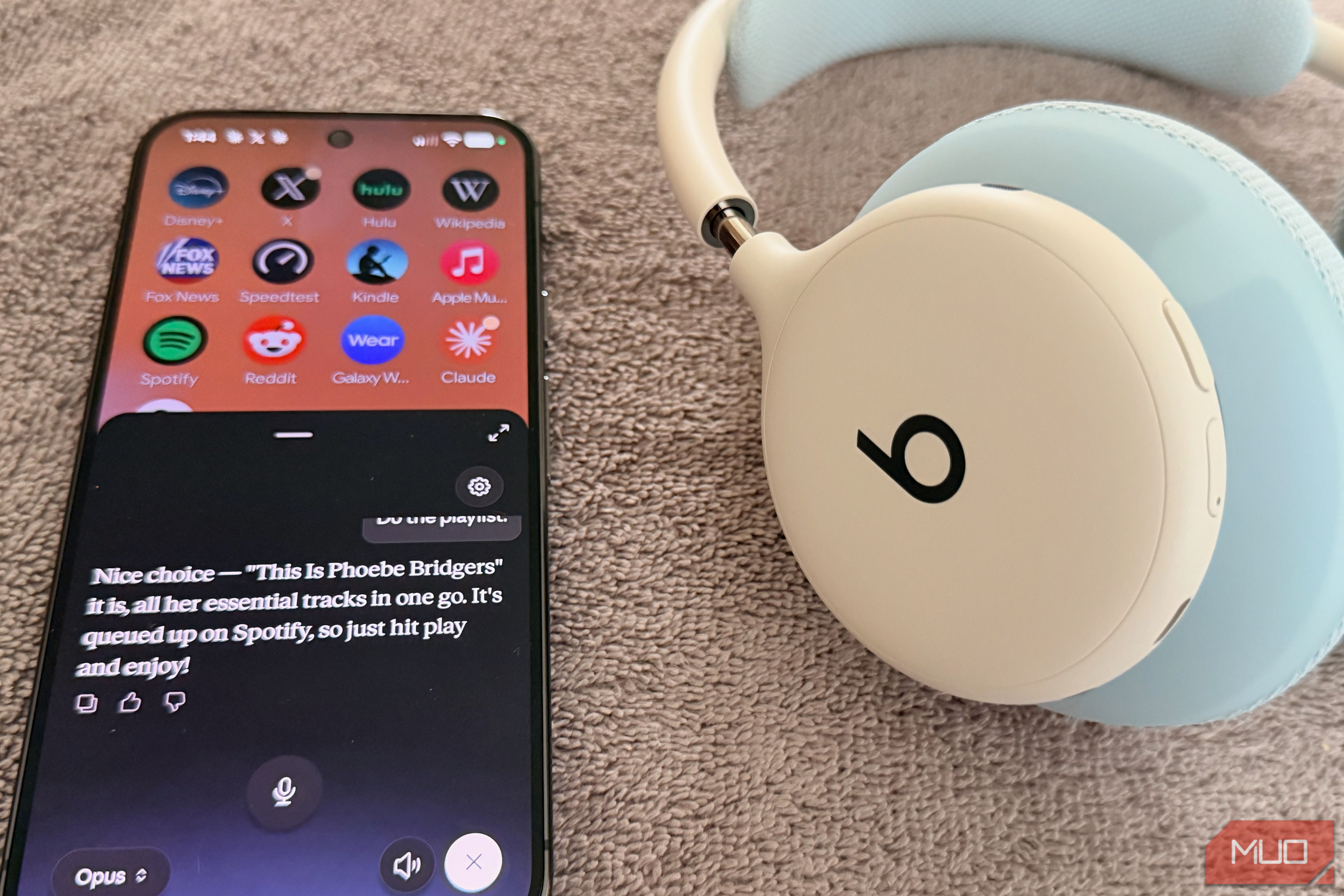
I’ve never changed the assistant on my Pixel 9 Pro XL. Gemini was there when I set up the phone, and I just kept long-pressing the power button without thinking. Meanwhile, I pay for ChatGPT Plus, Claude Pro, and Perplexity Pro every month, and none of them ever got a turn. Android lets you swap the assistant that answers when you hold down the power button, and all four of the big AI apps now qualify. Gemini comes preinstalled on my Pixel. ChatGPT, Claude, and Perplexity each showed up in the default assistant menu as soon as I installed them. So I gave each one the same list of everyday phone chores and kept score. How I tested AI assistants on the Android power button Same Pixel, same script, and one shot per chore Everything ran on my Pixel 9 Pro XL with the latest version of Android 17, which has lots of new features, and I pay for all four services for testing purposes. I left each app on its default model, since that’s what most people get when they hold the power button. You don’t need a subscription to make any of these your default assistant, but because I pay for all four, my results reflect each company’s paid models, each with its own pros and cons. Free users may get less detailed answers. | Assistant | Plan | Model | |---|---|---| | ChatGPT | ChatGPT Plus | GPT-5.6 Sol (Android) | | Claude | Claude Pro | Claude Opus 5.5 | | Gemini | Gemini AI Pro | Gemini 3.8 Flash | | Perplexity | Perplexity Pro | Best (automatic) | Swapping assistants took about 10 seconds each time. On my Pixel, that’s Settings > Apps > Default apps > Digital assistant app. Once each one was set, I held the power button and read from the same script of 10 requests, word for word, so nobody got an easier version. Half the script was boring on purpose: a 12-minute timer, a 6:45 a.m. alarm, a “running 10 minutes late” text, a Friday lunch on my calendar, and some Phoebe Bridgers on Spotify. Those are the jobs I’d hand off while I made coffee. The rest needed the assistant to see or look something up. It had to summarize a news article sitting on my screen, find a gas station, and check Miami’s weekend forecast. And because I write about cruises, I closed every round with Cozumel. Pesos or dollars, and how should I tip? Each chore got one of four grades. Done meant no extra taps. Assisted meant I had to confirm something or tap through. Handed off meant it explained how to do the task instead of doing it, and Failed meant it got it wrong or couldn’t do it at all. I also tested each one from the lock screen and timed how long it took for a weather answer to start. ChatGPT vs. Claude vs. Gemini vs. Perplexity Only one assistant finished every chore I gave it | Chore | ChatGPT | Claude | Gemini | Perplexity | |---|---|---|---|---| | Set a timer | Done* | Done | Done | Done | | Set an alarm | Done* | Done | Done | Done | | Flashlight | Handed off | Handed off | Done | Done | | Send a text | Handed off | Handed off | Done | Assisted | | Calendar event | Done | Done | Done | Done | | Play Spotify | Handed off | Assisted | Done | Done | | Summarize screen | Failed | Failed | Done | Failed | | Weather | Done | Done | Done | Done | | Directions | Failed | Handed off | Done | Done | | Cozumel question | Done | Done | Done | Done | | Lock screen | Works | Doesn’t work | Works (tap needed) | Asks to unlock | | Response time | 10 sec. | 3 sec. | 2 sec. | 45 sec. | | Total Done | 5 of 10 | 5 of 10 | 10 of 10 | 8 of 10 | *ChatGPT set the timer and alarm inside its own app rather than in Android’s Clock app. Gemini is still the best default assistant on a Pixel It did everything I asked and answered fastest The ever-useful Gemini was the only assistant that finished all 10 chores. It turned on the flashlight, wrote and sent the text after confirming it with me, and started Phoebe Bridgers on Spotify without any extra taps. Before adding my Friday lunch, it checked my calendar to make sure I was free, which none of the others bothered to do. It was also the only one that could read my screen. With a news article open, I asked for a summary and got one. The three others asked me to paste the text or send a screenshot. None of this is surprising, since Google builds both Gemini and Android. It wasn’t flawless, though. The timer took noticeably longer to set than the other chores, and Gemini only got there after I granted it screen access. From the lock screen, my spoken request didn’t go through until I tapped the Gemini icon to confirm it. Gemini was also the fastest. The weather answer started in about 2 seconds. Its replies were the shortest of the four, though. When I asked about Cozumel, it told me dollars and pesos are both accepted, without the exchange-rate advice ChatGPT and Claude gave me. Perplexity is the best Gemini alternative for Android It nearly matched Gemini, as long as you don’t mind waiting Perplexity finished eight of 10 chores, more than ChatGPT or Claude. It was the only third-party assistant that could turn on the flashlight, and its Spotify handling impressed me. Phoebe Bridgers started playing right away, with album art on the screen. When I asked for directions to the nearest gas station, it opened Google Maps with the route already loaded. The text message took it a step further. Perplexity couldn’t find my contact even though it’s in my phone, so it asked for the number and then sent the message. Like ChatGPT and Claude, it couldn’t summarize my screen. Speed is where Perplexity lost me. The weather answer took about 45 seconds to start, more than 20 times slower than Gemini, and the Cozumel question took a long time too, although the answer was thorough. I also had to tap the microphone icon before every question, which got old quickly. From the lock screen, it asked me to unlock the phone first. One detail about Perplexity surprised me. Its model picker doesn’t list Sonar, Perplexity’s own model, on any version I checked: Android, iOS, Mac, or the web. You get a Best option that picks for you, plus models from OpenAI, Google, Anthropic, xAI, and others. In other words, a Perplexity subscription is now mostly a way to use other companies’ AI. Claude has a great voice, but limited control The nicest one to talk to couldn’t turn on my flashlight Claude matched ChatGPT on five of 10 chores, but it handled them better. Its timer and alarm went into Android’s Clock app so that I could watch the countdown in my notifications, and the calendar event landed in Google Calendar. It also responded quickly, starting the weather answer in about 3 seconds. It couldn’t turn on the flashlight, send the text, or get me directions, though. For each one, it told me how to do the task myself. For directions, it suggested Google Maps, Apple Maps, or Waze, which is odd advice on an Android phone. The Spotify request got halfway there: Claude gave me a link that opened Phoebe Bridgers’ page, and I had to press play myself. It also couldn’t use the lock screen at all and asked me to unlock the phone first. What Claude had over the others was its voice. It stayed pleasant and consistent the whole time, and it sounded like it was trying to help. Its Cozumel answer was a good example. Dollars are widely accepted, it said, but pesos may get you a better rate, and you should bring small bills. ChatGPT has the most to fix as an Android assistant It missed directions, couldn’t read my screen, and kept changing its voice ChatGPT finished last. It set the timer and alarm, but inside the ChatGPT app instead of the Clock app, so when the timer ran out, all I got was a notification. It couldn’t turn on the flashlight, send the text, or play Spotify, and each time it told me to do it myself. Directions were a mess. ChatGPT asked me three or four times to turn on precise location, even though my Pixel had it on the whole time, and I gave up before it produced a route. Screen summaries didn’t work either. With the news article open, ChatGPT asked me for a screenshot, which is the one thing I was hoping to avoid. Its voice also kept changing. Every new question brought a different accent, so it never felt like I was talking to the same assistant twice. (Picking a specific voice in settings fixed this, as I explain below.) That’s a shame, because ChatGPT gave the best Cozumel answer of the four. It explained that dollars work fine in tourist areas, but that pesos are usually the better choice because of exchange rates. On the plus side, it worked from the lock screen without asking me to unlock, and the weather took about 10 seconds. There’s an odd wrinkle with ChatGPT’s model, too. The Android app on my Pixel runs GPT-5.6 Sol. On my iPhone, the same ChatGPT Plus account lets me choose GPT-6.1 Sol, and Perplexity’s picker already offers GPT-6 Sol. So Android users paying OpenAI directly are a step behind. AI assistant permissions you need to grant on Android Making an app your default isn’t enough on its own None of these assistants can do much until you grant them permissions in their app settings. Making an app your default assistant isn’t enough. For this test, I gave all four the same access: notifications, location, calendar, and contacts. Gemini also needed screen access before it would set a timer or summarize what I was looking at. If an assistant claims it can’t do something, check its permissions before you give up. After a few rounds of chores, I cared more about the voices than I planned. ChatGPT used a different accent for every new question, while Claude sounded the same from start to finish. All four apps let you choose a voice, and it’s worth a minute in each one’s settings. Which AI assistant should get your Android power button? Gemini, Perplexity, and Claude did a respectable job, and ChatGPT trailed behind. If you’re invested in Google’s apps, Gemini is hard to beat, since it was the only one that could do everything I asked. Perplexity is the best alternative if you can live with the wait and the extra tap before every question. Claude is the most enjoyable to talk to, but it can’t control your phone nearly as well. For now, Gemini stays on my Pixel’s power button. It was the only assistant that never made me pick up the slack, and on a phone Google built, that counts for more than a friendly voice. I’ll be running this test again in a few months, though. Perplexity came within two chores of matching Gemini, and the gap keeps shrinking.