Summary
Yes, storage prices are crazy. With SSD prices climbing as high as triple in just a year, it’s easy to seek out… “deals.” By deal I mean a price that’s reminiscent of the good old times, times like last year.
I, too, fell for it. I wanted a new 1TB NVMe SSD for my workstation. What I did was simple: go to the store page, filter for 1TB NVMe, sort by price, buy the cheapest. Simple as.
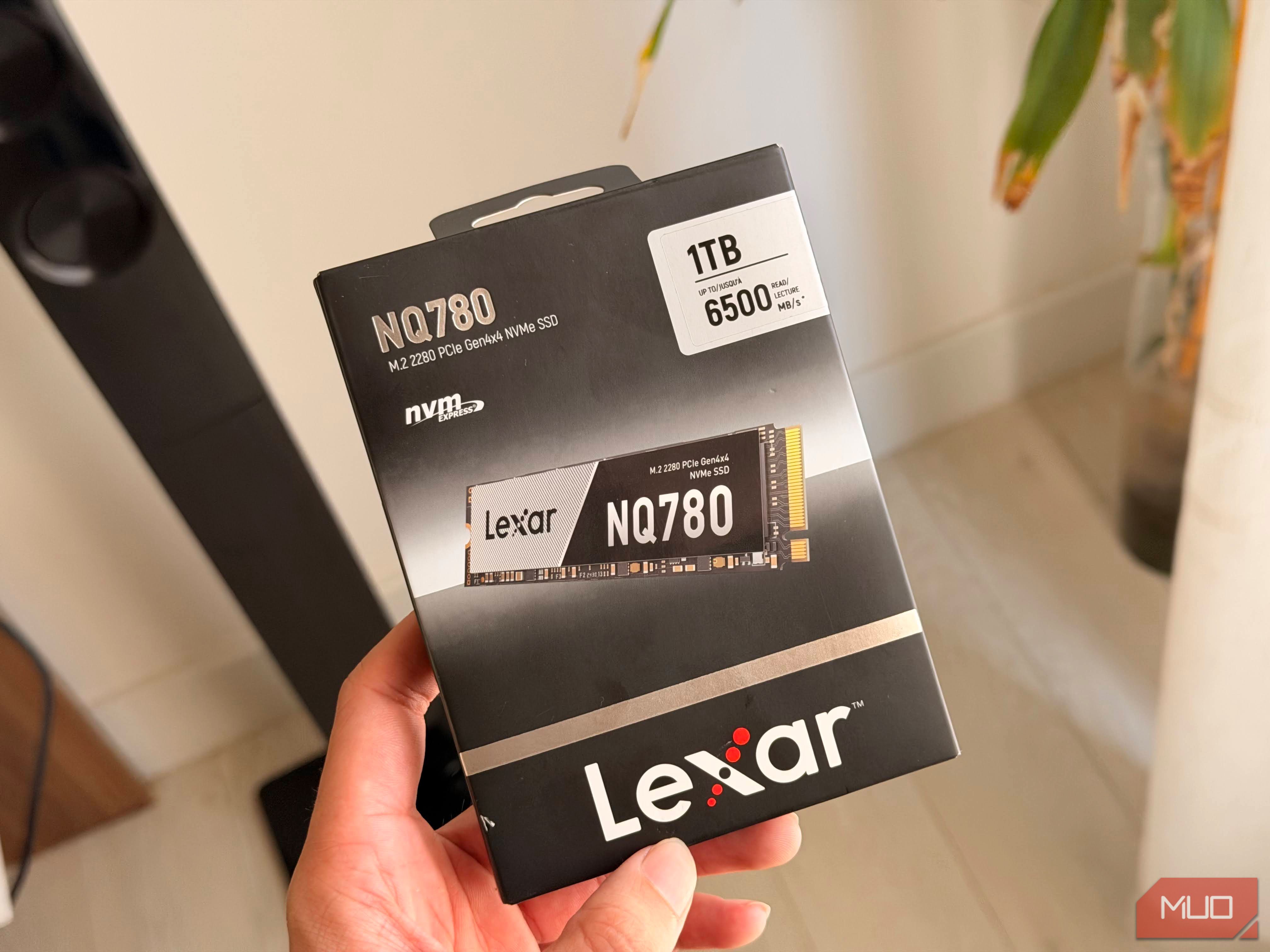
I landed on a Lexar NQ780 1TB. It was better priced than the Samsung SSDs I was used to. It worked well, until it didn’t, of course.
I got the cheapest 1TB SSD I could find
The spec sheet looked great. The spec sheet always looks great.
I got this SSD for my home server. It’s an HP Z6 G4, technically a workstation, but I use it as a server. The storage started filling up pretty quickly once I downloaded a bunch of open-weight LLMs, and I wanted more.
So, what happened happened and I got the Lexar. The Z6 G4 I have is a little old, so its M.2 slots are PCIe 3.0. If there was going to be a bottleneck, it was going to be my motherboard, since the Lexar is a PCIe 4.0 drive.
On paper, the Lexar was faster than the Samsung it was replacing: 6,000 MB/s read and 2,500 MB/s write, against 3,100 and 1,400 on my old Samsung SM961. PCIe 3.0 tops out at around 3.5 GB/s in practice, so I’d never see the full read speed, but the writes would fit comfortably. Cheaper and faster. What’s not to like? That’s how I talked myself into it. That, and the absurd price of storage these days (I won’t get started on that).
|
Samsung SM961 256GB |
Lexar NQ780 1TB |
|
|---|---|---|
|
Interface |
PCIe 3.0 x4 |
PCIe 4.0 x4 |
|
Controller |
Samsung Polaris |
Innogrit IG5236 |
|
NAND |
2-bit MLC V-NAND |
144-layer QLC |
|
DRAM |
Yes, LPDDR3 |
None |
|
Rated read / write |
3,100 / 1,400 MB/s |
~6,000–6,500 / 2,500 MB/s |
To its credit, the Lexar did fine. I barely noticed it, until I did. I was moving a Proxmox VM from one drive to another. The disk was around 145 gigabytes, going from one NVMe drive to the other. How fast is an NVMe drive? Surely no slower than 1 GB/s? In that case, I’d be waiting less than three minutes.
It didn’t go as planned. The first few seconds were fast, then the SSD slowed down to very un-SSD-like speeds. I couldn’t cancel, because what would I do if I canceled?
|
|
|
~ This transfer took much longer than 3 minutes. |
All this was made worse by the fact that I was working over an SSH session on a sloppy, unstable connection. I wasn’t using Zellij either. If my connection dropped, the job would also drop in an ugly way. Proxmox only deletes the source disk once a move finishes, so I wouldn’t have lost the VM, but I’d be left with a half-copied mess to clean up.
 Crucial T700 NVMe SSD
- Storage capacity
- 1TB
- Hardware Interface
- PCIe 5.0 x4 The Crucial T700 is a high-end PCIe 5.0 NVMe SSD designed for extreme performance, delivering ultra-fast data transfer speeds for gaming, content creation, and demanding workloads. Available with an optional heatsink, it maximizes sustained performance and supports Microsoft DirectStorage, making it ideal for next-generation PCs and high-speed storage upgrades.
- Transfer rate
- 12,400 MB/s read/11,800 MB/s write
- TBW
- 2400 TBW There’s a lot more to SSDs than capacity and speed Let’s talk about DRAM, NAND, and the SLC cache Capacity and the read/write speeds on the box aren’t all there is to an SSD. For light workloads, any SSD with enough storage will do. Once you start pushing it, the details underneath start to matter. DRAM Let’s get DRAM out of the way first. DRAM is a separate tiny RAM chip on the SSD itself. The drive uses it to store the map of where every piece of data physically lives. Good SSDs have one, but it’s not a necessity. My Lexar doesn’t have DRAM. Instead, it borrows a small slice (~64MB) of the host’s actual RAM for the same job, a feature called Host Memory Buffer (HMB). For everyday use, an HMB drive is close to a DRAM drive. The gap shows up with random reads and writes spread across the whole drive, and with mixed workloads, like several VMs running at once. It has little to do with big sequential transfers like mine. DRAM wasn’t the culprit here, though on a Proxmox host it’s still worth having. NAND: SLC, MLC, TLC, QLC Next is the NAND itself, the very cells that actually hold your data. Each cell stores data as a voltage level. In a classic SLC (single-level cell) NAND, each cell has only two voltage levels. It’s either this or that, one bit. That makes it easy to read, and easy to write, since the drive only has to pick between two options. | | | I’ve bought 3 Samsung NVMe SSDs so far, but this one that I have in the same machine I had not “bought.” I ripped it out from a prebuilt case I had. It’s a really good one. | To fit more data in the same space, manufacturers started storing more bits per cell: MLC (multi-level, 2 bits), TLC (triple-level, 3 bits), and QLC (quad-level, 4 bits). Each extra bit doubles the number of voltage states the cell has to tell apart. MLC needs 4 states, TLC needs 8, and QLC needs 16. To simplify, a QLC cell is like four SLC cells squeezed into one. The pros and cons follow from the architecture. You get more storage out of the same cells, so it’s cheaper per gigabyte. The downside is that with 16 states packed into the same voltage range, the gaps between them get tiny. Writing takes longer, because the drive has to place the charge very precisely. The cells also wear out faster, so QLC survives far fewer rewrites than TLC, and TLC fewer than MLC. My Lexar is QLC. My old Samsung SM961 is MLC. The SLC cache There’s some interesting engineering going on too. The cells are the hardware, but the firmware decides how many bits each one stores. So almost every TLC and QLC drive uses an SLC cache. It takes free cells and runs them in one-bit SLC mode, temporarily. On an empty 1TB QLC drive, up to roughly a quarter of the free space can work as SLC cache, around 250GB at most. Anything you write lands there first at full speed. That’s the speed on the box. Later, when the drive is idle, it packs that data down into QLC and frees the cache up again. The cache comes out of free space. As the drive fills up, the cache shrinks. Once you write more than the cache can hold, the drive has to write straight to QLC while also clearing the cache in the background. On my 1TB model, that means a few hundred MB/s at best. Now you know what happened to me. My old Samsung would’ve done that same move at a steady 1.2 to 1.4 GB/s from start to finish. It’s MLC, so it doesn’t need an SLC cache in the first place. The slower drive on paper would have finished in about two minutes. There are no “cheap” SSDs You’re paying for the cells Well, there you have it. My main takeaway is that there’s no such a thing as a “cheaper” SSD. The capacity and speed on the box tell you how a drive behaves in its best moments. This doesn’t mean the Lexar a bad drive. In fact, it worked exactly as designed. For a library of LLM weights that gets written once and read many times, QLC is fine, and that’s where mine is staying. I was just in for a surprise, and now having shared it, hopefully you won’t be.