Summary
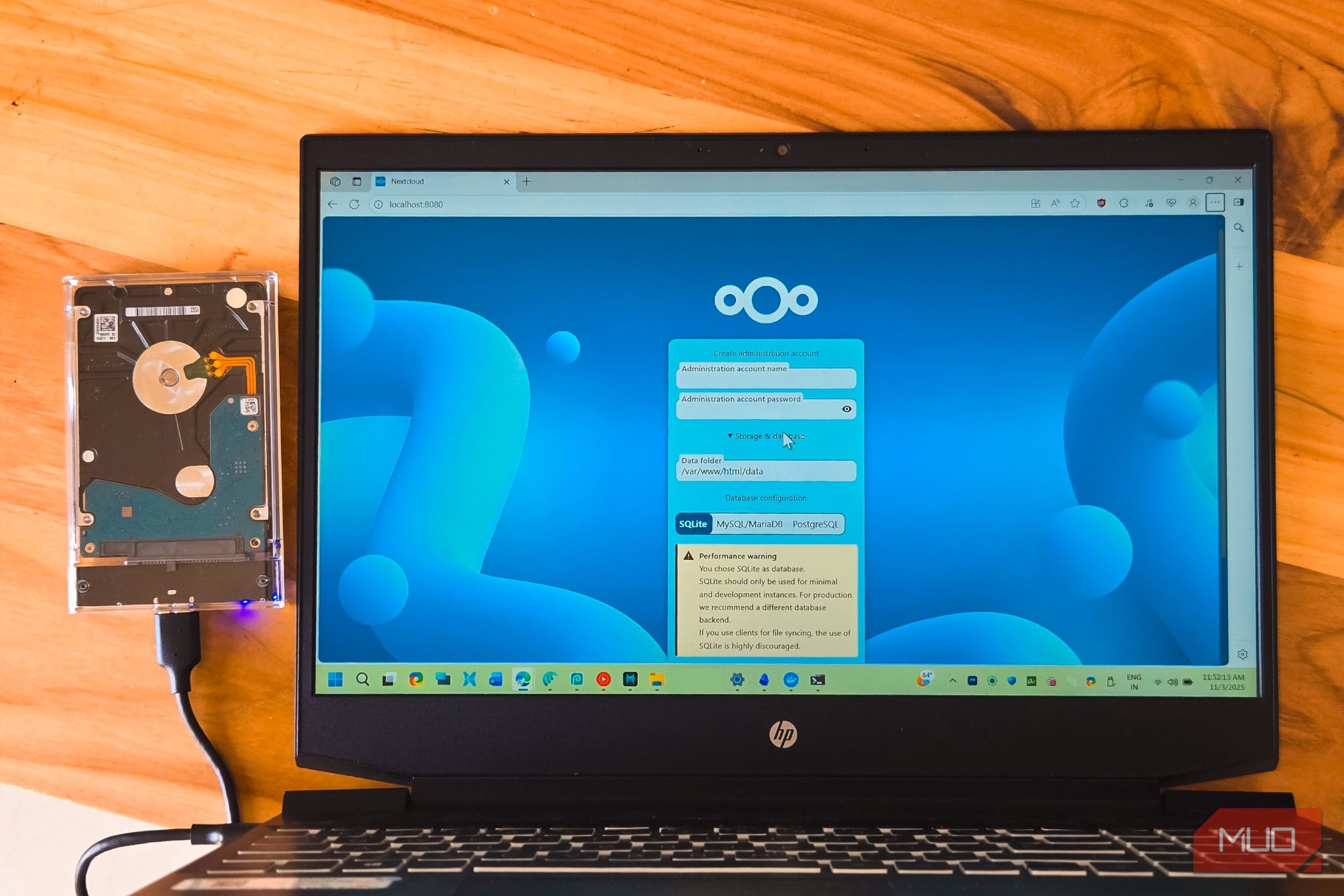
After years of using Google Docs, it became the one tab I never close; it was always there, synced, and holding every draft I’d ever written. But when I started moving toward self-hosted open source tools, I knew my time with Google Docs was up. I thought this would be the hardest part of my stack to replace, but I found a setup that lets me host the files and office editor on my own hardware, and the browser experience hasn’t changed that much. It’s worth considering if control and ownership are your priority. Nextcloud was only half the answer ONLYOFFICE Docs made it feel like an office On its own, I find Nextcloud to be a very good file manager. It’s been my go-to for storing documents, handling sharing and accounts, and synchronizing folders across devices. However, Nextcloud doesn’t provide the full office editor I wanted on its own, so I added another service to my setup to handle this: ONLYOFFICE Docs, connected to Nextcloud with a small connector app. They — Nextcloud 35.0.1, ONLYOFFICE Docs 9.3.0, and connector 10.2.0 — run on Docker Desktop on my main computer. It took just a few minutes to start the containers, but what took more time was getting them to cooperate. For this, the integration needed two URLs: one that my browser could reach and another that the Nextcloud container could use to reach the ONLYOFFICE container. I initially entered localhost for both addresses. That was wrong for the container-to-container connection in my setup, because localhost referred to the container itself rather than the other service. This took me a moment to figure out. Nextcloud can also be paired with office suites such as Collabora Online, and there are other integrations available. I chose ONLYOFFICE mainly because DOCX and XLSX are formats I deal with constantly. My setup felt permanent when I selected a DOCX in Files and the editor loaded right within Nextcloud. It didn’t require a download, and it never presented an “open with” prompt. The whole suite showed up Docs, sheets, and slides without leaving my own cloud Within a week of having this setup, I had edited several drafts within the document editor, created a few spreadsheets with charts and formulas using the editor, and created a slide for a talk. Each time, I was able to open all of these in my browser tab from the same Files list, and it offered a ribbon-style toolbar quite similar to Microsoft’s. The files that people sent me made a better case for my new setup. I could see the comments and tracked changes in the editor, reply to comments, and accept edits before saving the document back as DOCX. In my testing, it also kept the highlighting on spreadsheets that had conditional formatting. Where I experienced a slight hiccup was with a presentation that used a font that wasn’t installed on the ONLYOFFICE server. The title wrapped onto another line and only rendered correctly after I changed the font. Before sending any file, I still open it one last time to verify there are no problems. The greatest satisfaction comes from being able to access my files from any device on my home network. The Google habits carried over Nearly everything survived the move I mainly used Google Docs for one small thing: opening a file from any device and sending links to collaborators so that they could leave their input or comment. On my new setup, all that still works. On my home network, we could work on the same document at the same time, and I could see the other person’s cursor and name. Comments left in the sidebar also appeared on my end without a refresh. Away from home, I connect to my home network through my Tailnet and access Nextcloud as I would locally. I don’t have to expose the Nextcloud web interface directly to the public internet. Offline editing was the one real loss. On Google Docs, when I use Chrome or Edge, I can continue working without a connection. This setup doesn’t keep a local browser copy that I can continue editing without access to Nextcloud. However, working right from a browser is what I valued the most in Google Docs. Now I don’t need Google to own the process for a similar experience. My setup, but I inherited Google’s job There are several elements that Google never required me to think about while using Docs: | Job | With Google | On my setup | |---|---|---| | Update | Happens in the background | Nextcloud, ONLYOFFICE Docs, and the connector update separately | | Backups | Google manages the underlying service | I schedule copies of Nextcloud’s data and database | | Remote access | Google handles the service | I maintain private remote access through my Tailnet | | Availability | Google’s service is managed for me | My computer and containers need to be running | I’ve taken on more responsibility, but after working with this setup for a while, I don’t miss Google Docs for ordinary writing or spreadsheets. I understand that many people would prefer the option where the responsibility of maintaining the setup happens quietly without them thinking of it. For me, that isn’t an extra burden because I’ve already accepted the maintenance that comes with self-hosting the rest of my stack.