Summary
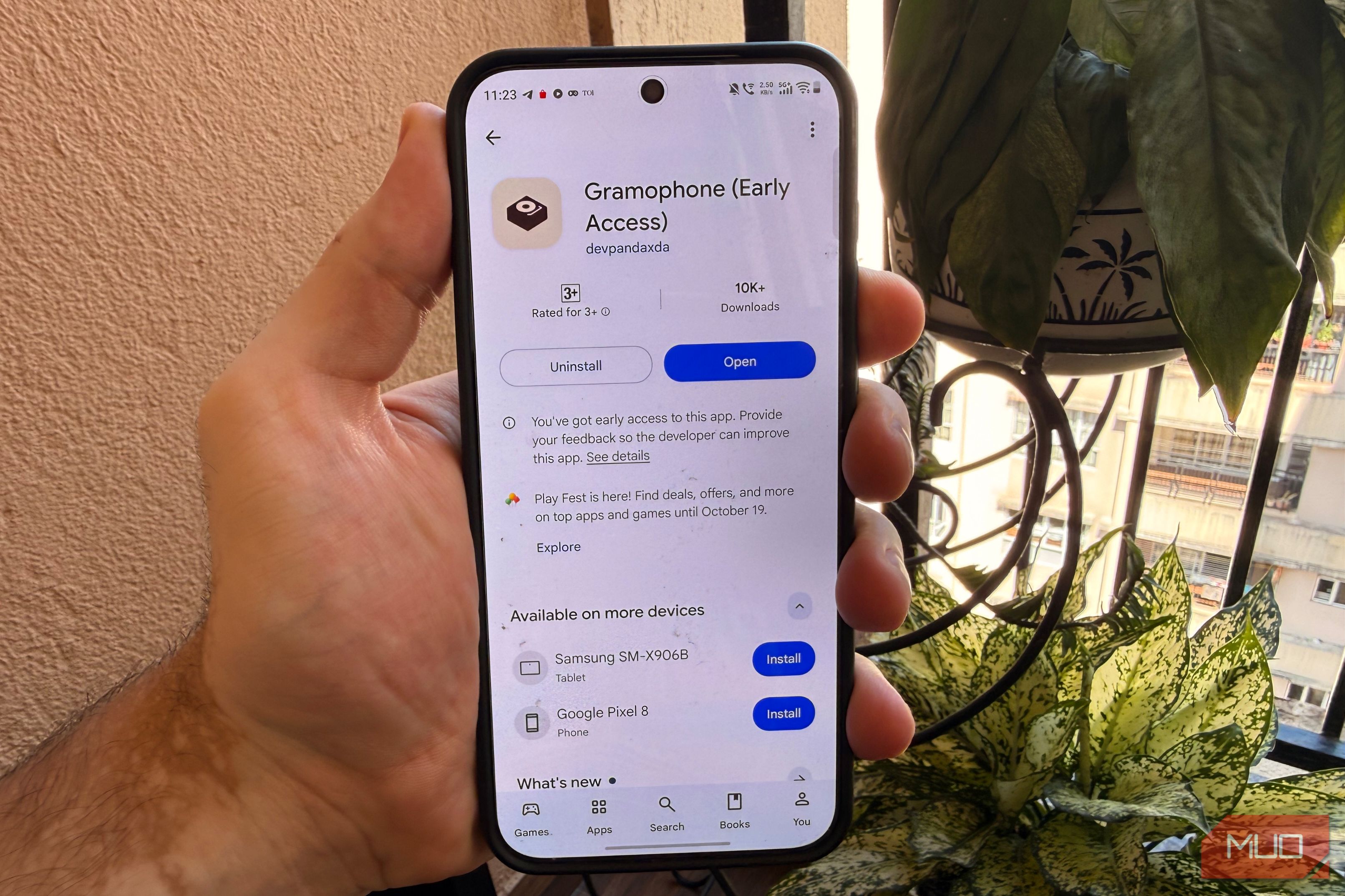
Do you remember the days of old when you would listen to high-quality music on your device? Before the dawn of audio streaming platforms, local music playback was the norm. You could use your wired or wireless headphones to play locally stored files without any lag or glitches. Fast-forward to now, almost everyone is using streaming platforms. While there are a lot of local media playback apps, many of them are bloated with ads, bloated interfaces and paywalls. If you have ever paid a premium for a local Android music player just to unlock basic features, you certainly aren’t alone. I did too. Until recently, when I discovered a free, open-source alternative that changed my experience for the better. Gramophone is a new local music player The app is completely free The Gramophone app is a breath of fresh air in a category that hasn’t seen much development in recent years. The open-source software is free to download, contains zero ads, and hides nothing behind a premium paywall. When I installed the app for the first time, I was pleasantly surprised by the clean, minimalist, and uncluttered interface. I didn’t even have to create an account and could get straight to playing my music. There are no cluttered options or unnecessary settings pages, and you get buttery-smooth animations that enhance the experience of browsing through the library. There’s a Pure dark mode feature that dims the screen’s background while keeping visual elements bright and clear. I tested the feature on my Vivo X300 Pro and noticed that it made the app’s interface much darker than the standard system-wide Dark Mode. As a fan of dark aesthetics, I’ve been using this feature since I first installed the app. Gramophone supports most file formats There are some interesting features on board Gramophone supports most modern audio formats, including MP3, WAV, FLAC, OGG, OPUS, M4A, and more. The app can handle high-fidelity 32-bit FLAC files on Android 14 and later. You also get a ReplayGain 2.0 feature that automatically normalizes the volume across your entire library. What this essentially means is that if your music tracks differ in terms of loudness, you won’t need to manually adjust your device’s volume for each track. The app also comes with a synced lyrics engine that supports LRC, TTML, and SRT file formats. You can customize your experience by using bold font, center aligning the lyrics and removing spaces around the lyrics. You can also disable animations and enable automatic animation for translations. The app lets you adjust the font size of lyrics as well. Gramophone does not have an in-built EQ feature, but it supports system and third-party EQ apps. So when you try accessing the EQ options, it passes the audio directly to your phone’s built-in sound settings. You can then tweak the sound via your phone’s inbuilt sound features from right within the app.
- Launch Gramophone on your Android device.
- Select the three-dot menu icon.
- Tap the Equalizer icon.
- The app will instantly route you to your phone’s native system equalizer (or a third-party EQ app), where you can tweak the sound profile. Compared to other local music players that may rely on ID3 tags to organize your library, Gramophone lets you browse music by folders. This will allow you to find your tracks’ by visiting the exact folder where you have them on your device’s storage. It also supports playlists, custom sorting, and folder blacklisting. You can also choose the minimum duration for the audio tracks that are displayed on the app. This is a useful addition, especially if you have a lot of SFX files, audio recordings and ringtones that you do not wish to be displayed when browsing through your music library.
- Open the Gramophone app on your device.
- Tap the three-dot menu icon located in the upper right corner of your screen.
- Tap on Settings.
- Go to the Behavior section.
- Adjust the Song minimum length to your preferred length. It is worth noting that the app is completely offline, so you won’t be able to stream or download songs. On the bright side, the app doesn’t capture your playback data, so you preserve your privacy and save battery life. Gramophone is worth your time if you still love local music If you prefer listening to high quality music stored on your smartphone or tablet rather than using streaming services, Gramophone is a solid option. The platform combines a clean interface with some features such as ReplayGain, synced lyrics, folder browsing, and playlist support, all without ads or a premium paywall. I would not recommend the app to you if you don’t have a collection of locally stored music. For everyone else who wants a local music player, Gramophone is worth trying.