Summary
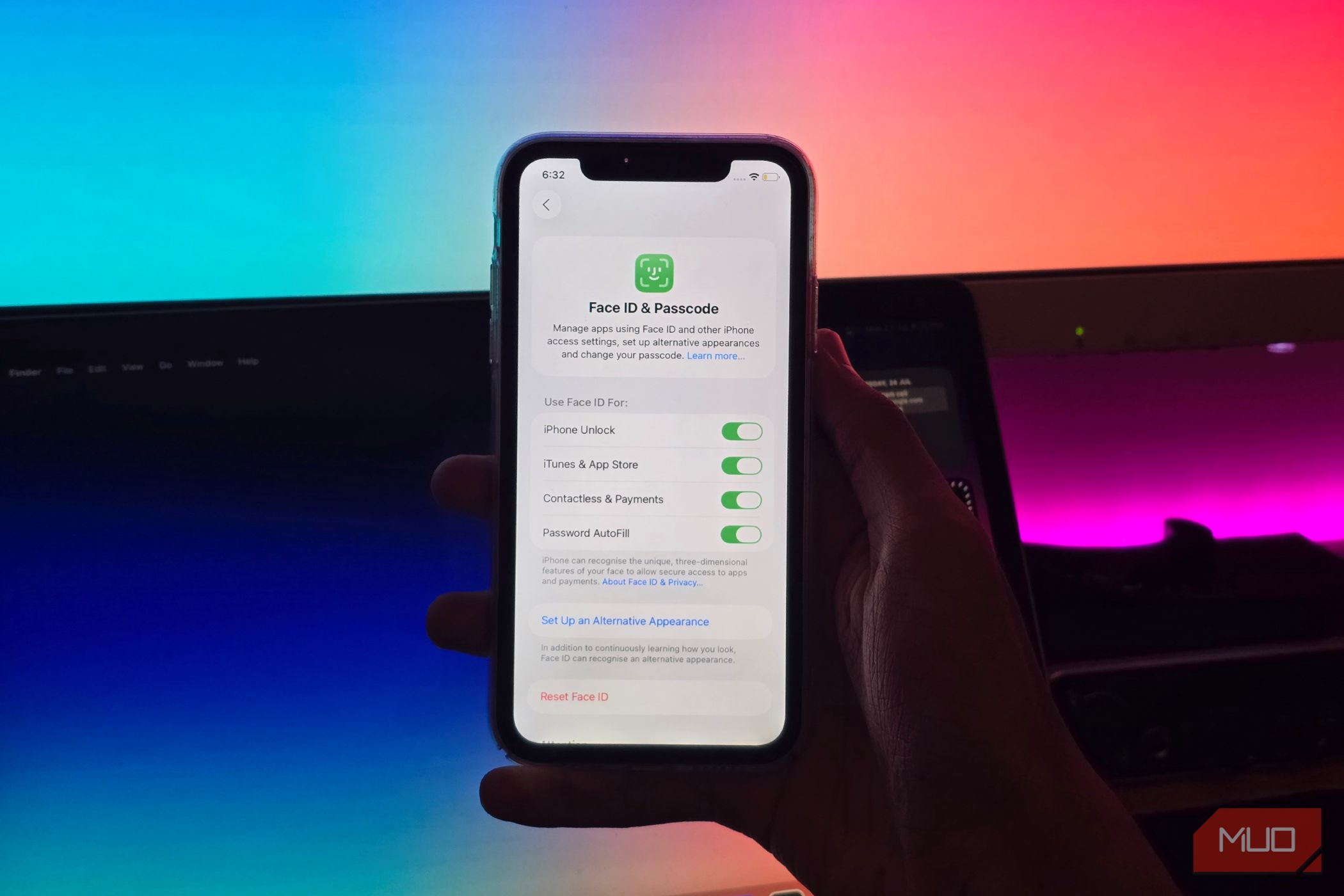
We all unlock our phones dozens of times a day without a second thought. Just a glance, a soft click, and we are in. It feels so effortless, which is exactly why most folks don’t think about where their face goes once the screen lights up, but it’s not something you should ignore. Your face is not a password that you can reset if something goes wrong. I checked Apple, Samsung, and Google’s official documentation to find out what each company stores, how it processes your facial data, and whether that information leaves your device — the finer details might surprise you. What does face unlock data actually mean? It’s not just a picture of your face When you set up your facial ID, you might assume that your phone keeps a photo of you somewhere. Then your phone compares that selfie with every image it captures when you unlock the screen. It doesn’t happen like that. At least, not in a way that lets you open and look at that saved selfie. When you register your face, your phone captures and converts it into a mathematical representation. Basically, it’s a set of numbers that describes the unique measurements and patterns of your features. This is called a face template or face model, and it helps the device recognize you. Now, every time you unlock your phone, it captures a new image and turns it into the same kind of numbers for comparison. If they are close enough, your phone lets you in. The comparison is the whole trick, and how the template is stored matters a lot. Hardware also plays an important role in determining whether you can trust a face unlock system for sensitive tasks like banking apps or mobile payments. Some phones project infrared dots to build a depth map of your face, while others rely on the regular front camera. Compared with the other, a depth map is much harder to fool with a printed photo or video. We’ll talk more about this in coming sections. How Samsung’s face recognition stores your data It uses protected biometric storage Samsung’s situation is a little complicated, mostly because its phones don’t all handle faces the same way. It uses a 2D camera-based system rather than a depth-based one. Samsung says it stores facial data in its on-device, hardware-isolated Knox security processor and doesn’t upload your data to the cloud or Samsung servers. It’s also completely isolated from the primary Android operating system, so even if your device’s main processor is compromised, the biometric data remains safe. Samsung’s official page warns that face recognition is less secure than a pattern, PIN, or password, which is why Samsung typically doesn’t allow you to use face recognition to approve payments. Samsung treats face unlock as a convenience feature first and a security feature second, and it tells you so. If you own a Galaxy phone, a fingerprint is the stronger security choice. How Google’s face unlock protects your data Your Pixel’s face model stays on the device Google says it stores the face model securely on the device in its secure hardware, protected by the on-device Titan M2 security chip. All processing also happens locally on your device. The images used for face unlock data aren’t stored as photos, and they aren’t even shared with Google services or other apps. You can also remove your registered face model through your phone’s settings. Google’s face unlock capabilities vary between Pixel generations. The Pixel 8 and newer devices can authorize app sign-ins and financial purchases, which is a level of trust most camera-only systems don’t earn. Older devices may have different capabilities, which is why they only unlock the screen for you. Google’s documentation also says that when you are in low-light environments or have sunglasses, Face Unlock might not work. It recommends setting up a Fingerprint Unlock for a better experience. Apple’s Face ID is the most secure of the three Your facial data stays in a protected environment Out of the three, Apple has the most controlled setup. Face ID uses the TrueDepth camera system and the device’s Neural Engine to scan your facial geometry. It projects thousands of invisible dots onto your face and reads them with an infrared camera. This gives a detailed depth map rather than a flat picture. According to Apple’s security documentation, Face ID data is encrypted and protected by the Secure Enclave, a dedicated and isolated hardware chip on your phone. Apple also says iOS, apps, the user, and even Apple itself can’t access your face unlock data. The data never leaves your device and isn’t even included in device backups. Apple’s Face ID system also adapts over time. If your appearance changes, Face ID can update the stored template; that’s how it works even when you do makeup or get a new haircut. Apple says there’s roughly a one-in-a-million chance a random person can unlock your device with their face. Since the security level is high, Apple allows you to use your Face ID for Apple Pay transactions and supported apps. Samsung vs. Google vs. Apple Let’s see how their face unlock systems compare Based on their published documentation, here’s how the three manufacturers compare. | Privacy detail | Samsung | | Apple | |---|---|---|---| | Sensor type | Front camera (2D) on most models | Front camera with software processing | Infrared depth map (TrueDepth) | | Where data is stored | Protected area backed by Knox | Titan M2 secure hardware | Secure Enclave | | Does data leave the device | No | No | No | | Included in cloud backups? | No | No | No | | Approve payments? | No | Yes | Yes | | Is it equally secure on every model? | Capabilities vary by device | Capabilities and security vary by hardware and software | Capabilities vary by device | Two things matter most here. First, all three companies make the same core promise that your face data stays on the phone. Second, your device’s hardware and software play a crucial role in how secure the system is. You can use a strong passcode as a fallback and even use fingerprint authentication if your device offers it. What happens when you use face unlock with an app? When a banking app or password manager asks you to confirm your identity with your face, it does not receive your biometric identification. The app asks the operating system to run the check, and only gets the answer: yes or no. On an iPhone, apps use a system framework that handles the whole exchange. On Android, apps use a built-in biometric prompt that works the same way. In both cases, your facial template stays locked inside secure hardware, and the app only gets to know if that match succeeded. If an app uses your camera for stuff like filters or third-party identity verification, that’s a separate matter. These apps can capture and process your face directly, according to their privacy policies. In this case, Apple or Google doesn’t decide what happens to it. Therefore, you must check an app’s privacy policy before you upload a selfie.