Summary
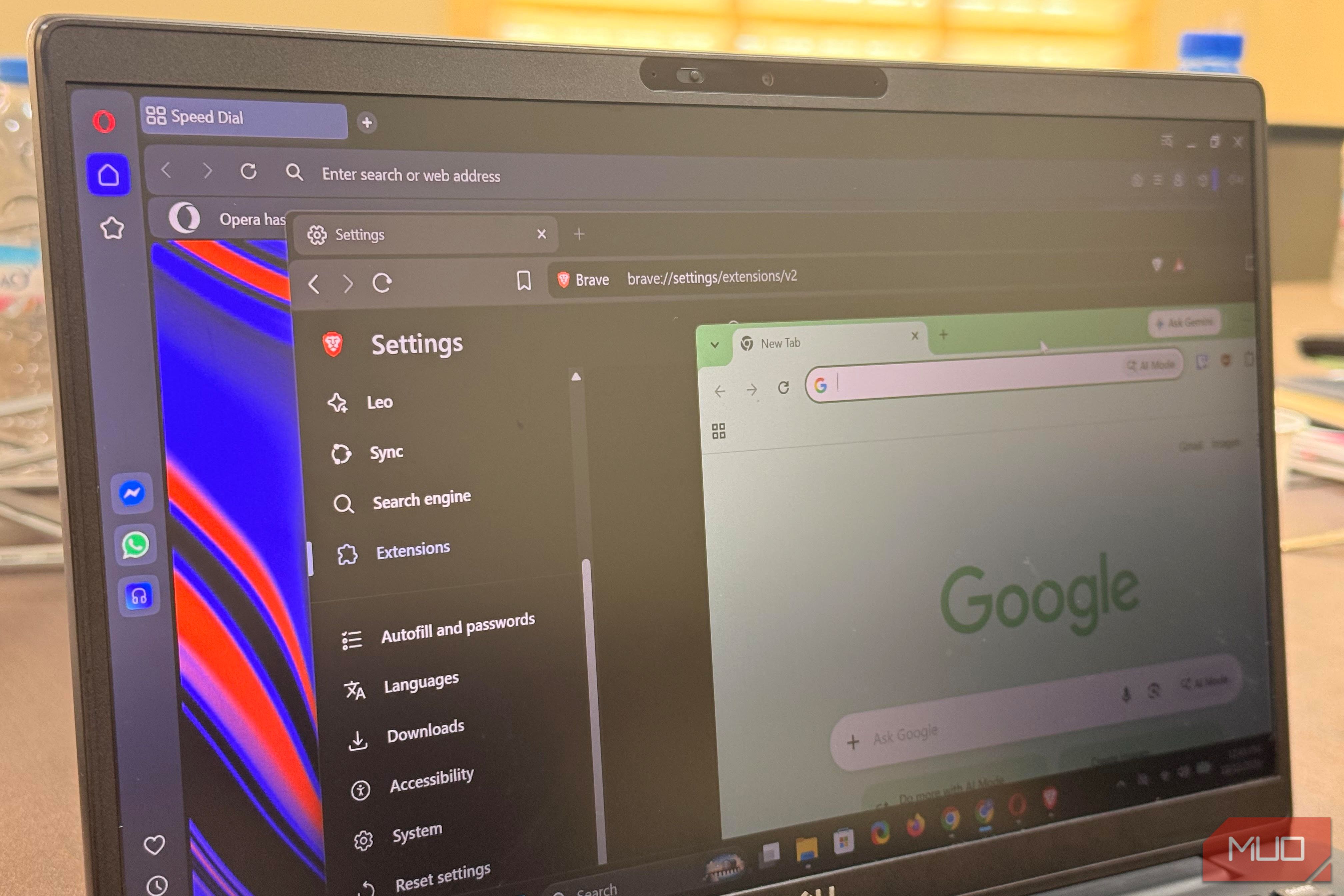
Once upon a time, whenever I needed a browser, I defaulted to Chrome. I believe the extensive ecosystem and frictionless syncing it offers has a lot to do with this. Chrome basically transforms the browser into a cloud-synced workspace. It also benefits immensely from being pre-installed on Android phones, and carrying that experience over to the desktop feels natural. But over the last few years I’ve tested four of Chrome’s biggest Chromium rivals, and it’s weakened my total reliance on Chrome. One of them has replaced Chrome on all my devices as my go-to browser. Five Chromium browsers, side by side Same engine, five very different compromises Let me start off with my impressions and observations from using all five Chromium browsers. | Browser | Built-in blocking | Original uBlock Origin | |---|---|---| | Chrome 155 | Limited | No | | Edge 155 | Tracking prevention | Not available for my setup | | Vivaldi 8.2 | Yes | Unavailable through the Chrome Web Store | | Opera 137 | Yes | Yes; currently listed in Opera’s add-on store | | Brave 1.97.56 | Yes (Shields) | Yes, explicitly supported | All five have something going for them, but using them side by side made their compromises more obvious. The layout and tab control of Vivaldi are the richest among the five. I like that Edge’s tracking prevention works in the background, and if you use Opera’s sidebar (I don’t have much use for it), it’s actually handy. Chrome works smoothly with most of my accounts. The layout and tab control of Vivaldi are the richest among the five. Since Vivaldi and Opera also have built-in blockers, Brave isn’t an automatic champion in this aspect. What sets Brave apart is explicit support for the original uBlock Origin. You can enable it at brave://settings/extensions/v2. There are far fewer built-in ad blocking capabilities on Chrome and Edge, and Vivaldi doesn’t offer the standard uBlock Origin installation route. Chrome dropped uBlock Origin Brave’s blocking works without any extension The end of August 2026 saw Google pull the last Manifest V2 extensions from the Chrome Web Store, signaling an end to the standard installation path of uBlock Origin. uBlock Origin Lite is the Manifest V3-compatible alternative, but it isn’t a like-for-like replacement for the original. Some of the original’s capabilities aren’t available under the newer extension model. Edge is also applying similar changes, but I wanted to see what this really means to everyday browsing. So I put uBlock Origin Lite to the test. When I used it on Vivaldi, I still got some ads even when combined with Vivaldi’s ad blocker. The experience was similar across Chrome and Edge. It’s not as robust as the original, which gives Brave an edge because it still supports the original extension. Comparing Brave’s default Shields against uBlock Origin Lite on Chrome and Edge was interesting. The first site I tried was The Guardian. On Brave, the banners that typically appear at the top and at intervals as you scroll down the page disappeared. With uBlock Origin Lite on Chrome and Edge set to Optimal, most of the banners disappeared, but the top one remained. I also saw some banners on Vivaldi and Opera. Without depending on any external tools, Brave offered a more pleasant browsing experience than Chrome and the other browsers. Fingerprinting was significant. I tested with EFF’s Cover Your Tracks tool, and Brave was the only browser of the five that consistently showed a randomized fingerprint. That gives it an advantage against tracking based on a stable browser fingerprint. Chrome used nearly double the RAM Same Chromium engine, 25 identical tabs Beyond blocking, the gap keeps widening. One test I documented earlier was opening 25 identical tabs on Brave and Chrome using a clean profile with no extensions. The settled memory measurements revealed significant differences between Brave and Chrome. | Browser | Version tested | Private working set | Commit charge rise | |---|---|---|---| | Brave | 1.93.129 | 4,504MB | 5.5GB to 8.7GB | | Chrome | 150.0.7871.187 | 8,161MB | 5.5GB to 10.4GB | While the Private Working Set reflects the current physical RAM in use, the Commit Charge is the total virtual memory reserved (including both committed and reserved pages). When I ran this test, Brave used about 45% less physical memory. The commit charge gap was smaller; a 3.2GB rise for Brave and a 4.9GB rise for Chrome, yet both measurements leaned in similar directions. Both browsers use Chromium, but the results show that their memory use wasn’t the same in my test. The measurements don’t tell me exactly why. Differences in browser features, background processes, caching, and tab management could all contribute. On a high-spec machine, the difference may not matter as much. But on an 8GB RAM device you may experience stuttering during tab switching. On an 8GB machine, you can reclaim some of that memory by turning on Memory Saver. In Chrome, navigate to Settings > Performance, and in Brave, navigate to Settings > System. Brave leads in performance but raises trust questions My testing and personal experience put Brave ahead of Chrome, but I don’t find its extras as desirable. In about five minutes of using Brave, I had to turn off Rewards, Leo, Brave News, and VPN prompts. These may be useful for some, but they felt more like clutter in my workflow. Shields does a great job, but it can also be aggressive. I learned to turn it off on specific pages when it got in the way. Brave’s biggest question mark, though, is trust. Its history of adding affiliate codes to certain cryptocurrency-related URLs typed into the address bar isn’t what I’d expect from a privacy-focused browser. However, Brave still runs on all my devices simply because it now offers an experience that suits my workflow better than Chrome.