Summary
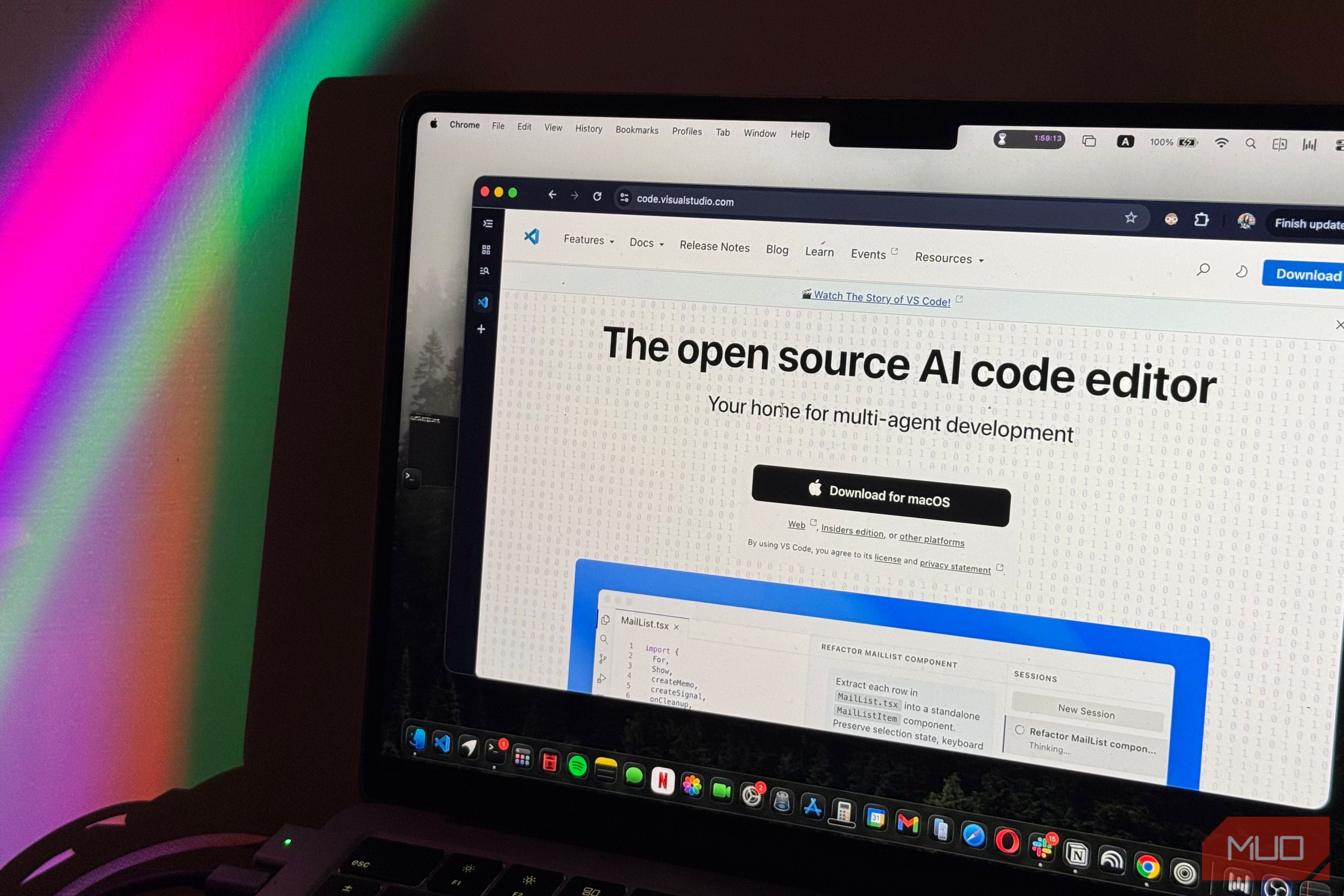
When I was first introduced to the incredible world of coding at the age of nine, one of the first tools I was told to install was Visual Studio Code (VS Code). Fast forward to today, and not much has changed. Whether it’s the computer science students I’m surrounded by at college or people getting into coding for the first time thanks to the AI boom, VS Code still seems to be everyone’s go-to recommendation. It’s not hard to see why, though. Just like YouTube’s become synonymous with watching videos and Google with searching the web, VS Code has practically become synonymous with writing code. It’s free, supports just about every programming language you can think of, and has an enormous library of extensions that let you turn it into pretty much whatever you need. However, being the most popular option doesn’t necessarily mean it’s the best one for everyone. Here are three alternatives that do things differently enough to give you a genuine reason to leave VS Code behind… Zed makes coding feel lightweight again Your code editor could use a diet With how feature-packed every app, including code editors, are now becoming, my itch to downsize and switch to simpler, more lightweight alternatives has only gotten stronger. Between VS Code’s endless extensions, customization options, and all the additional tools I’ve added to my setup over the years, VS Code is the perfect example of how a tool that initially made my life easier can gradually become more complicated than it needs to be. That’s what makes Zed such a refreshing alternative. Unlike VS Code, which is built on Electron, Zed is written in Rust and uses a custom GPU-accelerated framework called GPUI. This allows it to prioritize speed and responsiveness without relying on the same web-based architecture as VS Code. Beyond the technical differences, what I appreciate most about Zed is how refreshingly simple it feels. Its interface is clean, there’s very little unnecessary clutter, and it doesn’t feel like I need to spend an hour installing extensions and tweaking settings before I can actually get to work. However, don’t let its minimalist appearance fool you into thinking it’s a bare-bones editor. Zed comes with plenty of features built in, including Git integration, an integrated terminal, debugging support, and even AI coding agents like Claude and Codex. This means you can accomplish quite a bit without having to hunt down extensions for every little thing. One feature I particularly like is something called multibuffers. Essentially, it lets you bring snippets of code from multiple files into a single editable view. So, if you’re working on a project where the code you need is scattered across several files, you don’t have to constantly jump between tabs to make changes. You can view and edit the relevant sections together, and the changes are reflected in their original files. Helix makes you rethink how you write code Who needs a mouse anyway? If Zed is all about making the coding experience feel lighter and more responsive, Helix takes things a step further by completely rethinking how you interact with your code. Unlike VS Code, Helix is a terminal-based editor written in Rust, so you won’t find the familiar graphical interface filled with toolbars, tabs, and panels. Instead, almost everything revolves around your keyboard. What makes Helix particularly interesting, though, is its approach to editing. It’s what developers call a modal editor, meaning your keyboard behaves differently depending on whether you’re writing code, navigating through it, or making selections. While this might sound intimidating if you’re used to VS Code, Helix uses a selection-first approach that makes surprisingly good sense once you get the hang of it. Rather than specifying an editing operation and then what it should apply to, you select the text you want to manipulate first and perform the action afterward. Multiple selections are also a core part of the experience. For instance, you can select every occurrence of a particular variable and modify them all simultaneously, without having to manually jump between each one. Of course, VS Code has multiple cursors too, but Helix makes selections central to practically everything you do. It also integrates Tree-sitter, which allows you to navigate and select entire functions, classes, and other code structures instead of treating your code as ordinary text. Despite running entirely in a terminal, Helix isn’t nearly as bare-bones as you might expect. It comes with features such as syntax highlighting, fuzzy file searching, language-server integration, and project-wide search built in. You’ll still need to install the appropriate language servers for certain features, but you don’t have to piece together a collection of plugins just to get basic development functionality working. The biggest drawback is that Helix has a learning curve, particularly if you’ve spent years working in conventional graphical editors. It’s admittedly not the code editor I’d pick if I were just getting started with programming, especially when something like VS Code is far more beginner-friendly. However, if you’re already comfortable with the basics of coding and willing to spend some time getting used to an entirely different workflow, Helix is worth giving a shot. IntelliJ IDEA is more than just a code editor Let your IDE do the thinking This is a VS Code alternative I was introduced to during my first programming class at college, and it’s been my go-to development environment for nearly three semesters now. Unlike Zed and Helix, which focus on keeping things lightweight or changing how you interact with code, IntelliJ IDEA takes a completely different approach. Developed by JetBrains, it’s a full-fledged integrated development environment (IDE), primarily designed for Java and Kotlin development. Now, VS Code can certainly be turned into a capable Java development environment with the right extensions, but that’s precisely where IntelliJ IDEA has an advantage. Instead of having to piece together different tools for writing, running, debugging, and managing your projects, much of that functionality is already integrated into the IDE. One of the things that makes IntelliJ IDEA particularly useful is how well it understands the code you’re writing. Beyond offering intelligent code completion and highlighting errors, it can analyze relationships between classes, methods, and variables across your project. Its refactoring tools are especially impressive. For instance, if you decide to rename a method that’s referenced throughout several files, IntelliJ IDEA can automatically find and update those references. You can even change a method’s parameters and have the IDE help update the affected calls, rather than tracking down each one yourself. The debugging experience is another major advantage. You can set breakpoints, step through your code line by line, inspect variables, and figure out exactly where something is going wrong without relying entirely on print statements. IntelliJ IDEA also integrates with build tools like Maven and Gradle, making it particularly useful once you move beyond simple programming exercises and start working on larger projects. Of course, there’s a tradeoff. IntelliJ IDEA is considerably more feature-packed than something like Zed or Helix, and that can come with greater resource requirements. It’s also particularly appealing to Java and Kotlin developers, so someone who primarily works with other languages might be better served by VS Code or a different JetBrains IDE. Still, if you’re regularly working with Java (which is what we use at college), IntelliJ IDEA is absolutely worth considering. There’s still plenty to love about VS Code Despite everything I’ve discussed, I don’t think VS Code is going anywhere anytime soon, nor do I think it needs to. There’s a reason it’s become the default recommendation for so many people, but I think it’s easy to get so comfortable with a particular tool that you stop exploring what else is out there. When something already does everything you need it to, it’s hard to justify going through the trouble of learning an entirely new editor. However, that’s also how you end up overlooking alternatives that might actually be better suited to your workflow. Zed, Helix, and IntelliJ IDEA all approach coding differently, and while none of them is necessarily a better choice for everyone, they each offer something compelling enough to warrant giving them a shot.