Summary
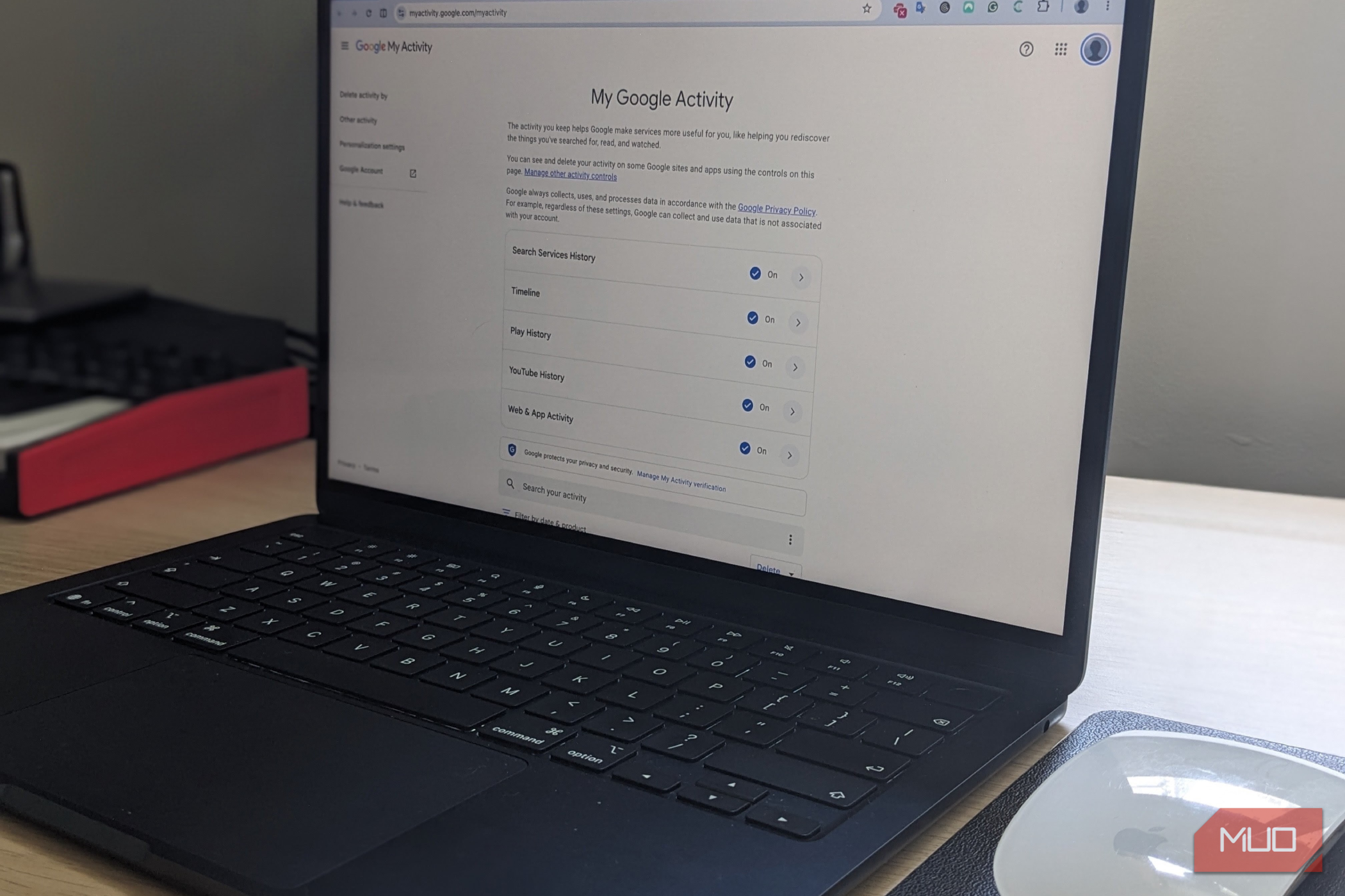
By now, most of us begrudgingly accept that Google knows a lot about what we do online, but have you ever checked just how much of that information it has saved? I recently decided to explore Google My Activity, having never given it much thought before, and was surprised by how much historical information had accumulated in my account. I started by checking Google My Activity This service reveals more than your search history My Activity is a central hub where you can review all the activity that’s saved to your Google account. The interface is clean and straightforward, with activity displayed chronologically and entries grouped by date. You can filter by date or product, so it’s easy to find specific entries or older activity. And depending on your settings, you can also find websites visited through Chrome, activity from other Google services, and YouTube searches or watch history. For example, devices that use Google services. YouTube History has its own category, and location-related data under Timeline depends on the location settings and services you use.The good news is that Google gives you several ways to review this information, limit what gets saved, and automatically delete older records. Google stores years of your activity How much Google saves and why your history might go back so far My biggest question was just how far back my records go. Part of me was concerned that it was storing this much usable data, potentially going back years, while I was equally fascinated to see what I had been up to and whether any of it would be useful. My oldest search entry in March 2016. The searches in my history offered fascinating insight into what interested me ten years ago and how much my tastes and interests have changed in a relatively short time. The amount of historical information available depends on your account’s settings and history. If you also had activity tracking enabled and didn’t delete the resulting records, a significant amount of information may remain available for years. However, Google doesn’t retain all your info indefinitely, and you can set up automatic deletion, manually delete entries, and change settings for individual services to limit what’s available. Your data doesn’t have to be stored indefinitely Google lets you automatically delete older activity You can prevent Google from storing years of data by setting up automatic deletion for different types of activity. To do this, visit Google Activity Controls and select the relevant activity category. With automatic deletion, you can choose the time periods you want Google to keep your data. For example, for Web & App Activity, Google offers options to automatically delete eligible activity older than 3, 18, or 36 months; however, the available options vary by activity category. I’m more comfortable with a shorter period of around 18 months for my personal account, as I don’t think anything older than that will be useful. However, for my work profile, I’ll likely let Google retain my searches indefinitely, as I never know what may come in handy down the line. It’s also worth reviewing the available options for other categories besides Web & App Activity, as different settings apply to different categories. Once configured, you likely won’t have to think about data retention unless your circumstances change. Keep on top of what Google saves Turning off tracking doesn’t delete your existing history Automatic deletion is one way to manage your Google history, but you can also control what gets stored in the first place. The Activity Controls page lets you adjust settings for Web & App Activity, YouTube History, and location-related activity, and turning off any of these will stop Google from storing it from that point. However, it won’t automatically delete data that Google has already saved. To remove existing records, return to My Activity and delete individual entries or a wider range of activities over a broader time period. Importantly, deleting this activity doesn’t necessarily mean that your data doesn’t exist anymore, just because you can’t access it. Information may still be retained separately under other services and policies. It’s also worth remembering to review each category and user profile individually, since some categories include certain services and not others. Take control of your Google history I never paid much attention to how much of my data Google was tracking, and while I don’t think it was collecting it for any really nefarious purposes, I prefer to be in command of how much I share and how much I save. It’s worth exploring Google My Activity to see how far back your records go, and reviewing your Activity Controls to set up automatic deletion where needed and review any existing activity you no longer want to keep. Personally, I plan to be more mindful of how much data I save and will review it regularly to take back control of the data that is shared.