Summary
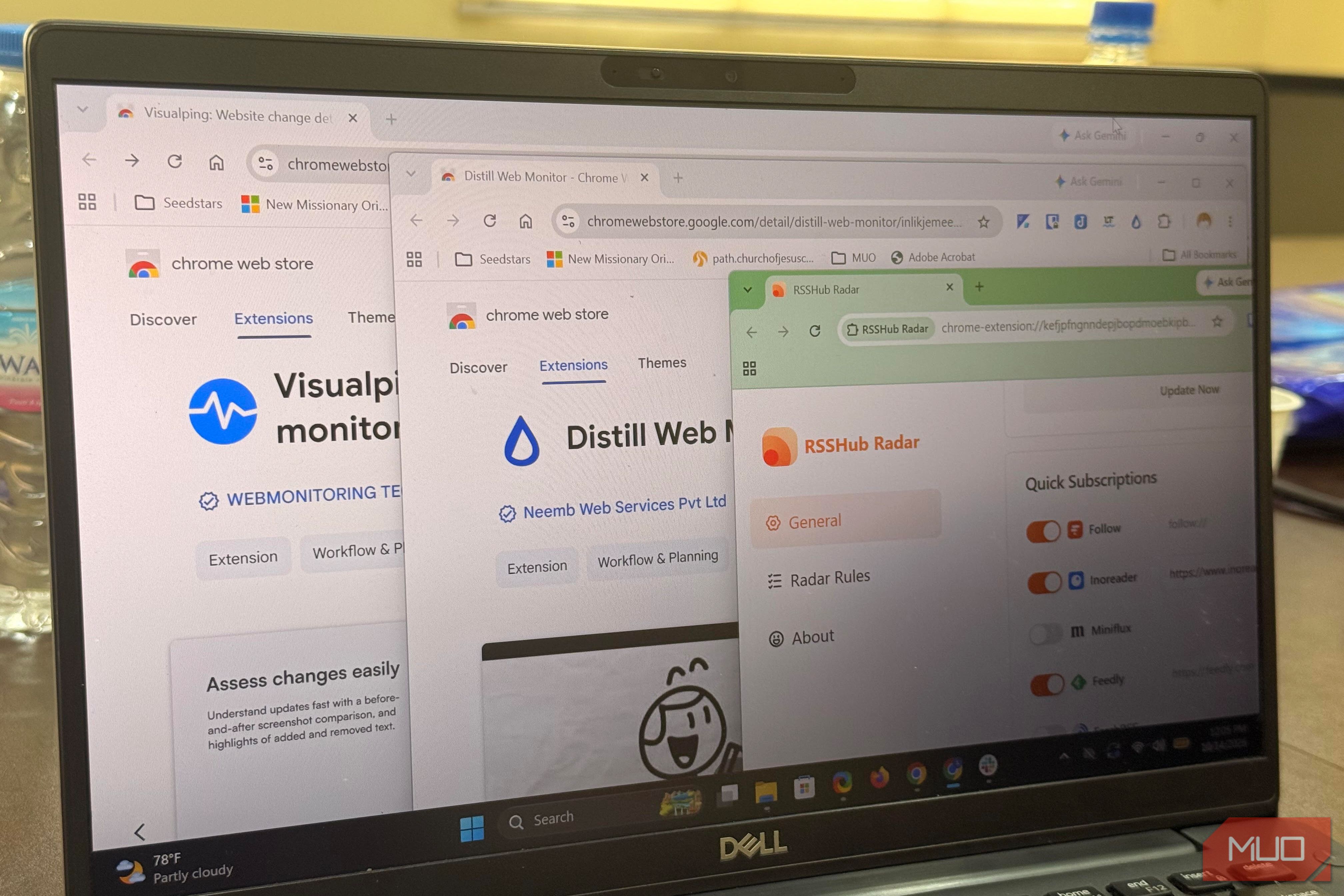
Some websites I love to read have no newsletter or visible RSS button, almost like they have no interest in me following them. I typically just bookmark them, and often return just so I don’t miss anything. Recently, I found a few free workarounds that have been quite effective for following sites that don’t offer an RSS feed. Some work better than others, but I figured out which ones I can rely on, depending on the site. RSSHub Radar revealed multiple feed types And it took very little effort The first tool I found effective was RSSHub Radar. It’s free, open source, and even has a Chrome extension. The RSSHub Radar extension gave me two feed categories: RSSHub for the current page and RSSHub for the current site. The first category gave me feeds for Engineering, News, and Research. When I added these feeds to Feedly and Folo, they all loaded perfectly, showing me what’s new and all the published works. The entries in the second category linked to RSSHub’s documentation. This wasn’t something I could subscribe to. Interestingly, this tool doesn’t actually create the feeds itself. It only matches the site against routes written by RSSHub’s volunteer community after checking whether a page advertises a feed. The routes in this test implied the extension matches existing RSSHub routes, so no route means no feed. This also means RSSHub Radar will not work for every website. However, the setup is quite simple:
Launch your Chromium browser and navigate to the RSSHub Radarextension. - Install and pin the extension.
- Open the website you want to follow and click on the RSSHub Radar extension icon to surface the available feeds. RSSHub Radar supports an extensive list of RSS readers. I set up Feedly, so when I click the extension icon, it opens in Feedly. It’s also possible to self-host an instance of RSSHub if you need something more reliable. RSSHub Radar worked for a specific niche of sites that already have volunteer action within the community. But this leaves out several other sites you may love to follow. No feed? Watch the page Distill and Visualping alert you when something changes I fall back to a page monitor when RSSHub comes back empty. This option isn’t building a feed of posts. Instead, it watches pages, or parts of pages, and alerts you when something changes. The two tools that have worked great for me are Distill and Visualping. Visualping works from a web dashboard or browser extension, but I prefer Distill and use its browser extension. Setting it up is simple:
Launch your Chromium browser and navigate to the Distill Chrome extension. - Install and pin the extension.
- Open the website you want to follow and click on the Distill extension icon.
- Select either Monitor parts of page or Monitor full page.
- Click Save selections. Monitor parts of page allows you to select specific page locations to monitor. For pages with a Latest News section, that’s often my default because it typically changes when new content is added. After you save selections in Distill, it opens up an Options page that allows more extensive customization. You may include your preferred interval for checks and select from a list of actions. On the free plan, notification actions include Audio Notification, Popup Notification, Open Page In Tab, and Email. Paid plans come with more extensive notification options, like Push Notification (using Distill’s iOS or Android app), SMS, Discord Notification, Microsoft Teams Notification, Slack Notification, and Webhook Call. Feeds versus alerts What you gain and give up with each I always start by looking for a feed. If RSSHub Radar finds one, I open it and confirm it works, and nothing else is needed. When I can’t find a feed, or if the feed it produced is stale, I monitor the page instead, usually using Distill. The main difference is that while a feed gives you the post, monitoring a website requires you to revisit the page. | Method | What arrives | Main catch | |---|---|---| | RSSHub Radar + reader | A stream of posts | Needs a working route; the public server can be unreliable | | Distill | Alerts on a selected area | Local monitors require an open browser; cloud/email plans have small free quotas | | Visualping | Alerts on a page or area | Five pages, about daily checks, and a pause when the quota runs out | Anthropic gave me a handy test case. I found three routes that worked in the two readers I tested, so I never needed a monitor for the site. When there is no route, the monitors give me alerts that are my cues to revisit the page. Make the website do the waiting The sites you follow keep publishing whether you check or not. This leaves you as the only one in this arrangement who is waiting. Pick a site, add a monitor or feed, and recheck the setup monthly; things can break—redesigns or stale routes may stop updates. None of these tools will notify you of such failures.