Summary
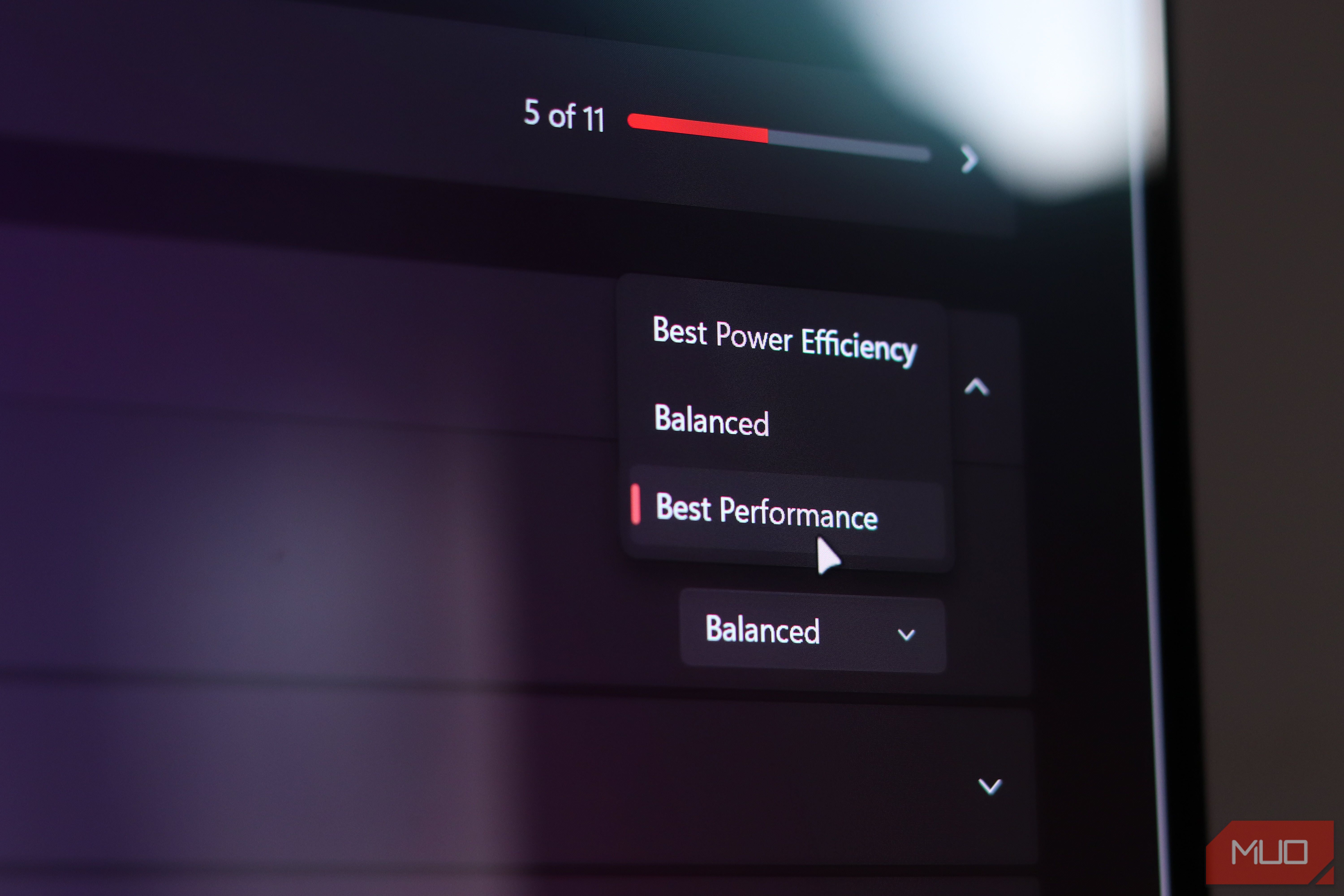
If you want the most performance possible out of your PC, switching to the High performance plan makes sense. Why settle for a balanced plan when there’s an option that promises more? The way these plans are named and described makes choosing anything below the High performance plan feel like a downgrade instead of a trade-off. But that’s exactly what it is. Sure, you gain performance, but that performance comes at the cost of power consumption and heat. And depending on your PC, that extra performance may not be worth the thermal or battery strain your laptop or PC might be taking. Balanced isn’t a speed limit, it’s just less wasteful Windows scales performance to the workload, and no hardware is held hostage Microsoft describes the Balanced power plan as automatically balancing performance with power consumption as per your PC’s demand. High performance, on the other hand, prioritizes performance over everything else. The difference is about how the system manages its resources, not unlocking hardware that the Balanced plan refuses to use. Windows’ own documentation describes the Balanced plan as providing full performance when needed and saving power when it isn’t. That doesn’t mean you’ll get identical results every time your PC is under stress, but it also means that being in Balanced mode doesn’t mean your PC isn’t going to reach its full potential. Modern Intel processors also manage operating frequencies dynamically as and when workload changes, keeping thermal limits and the performance parameters Windows requests in mind. For my HP Omen Transcend 14, that makes more sense as a starting point than treating every task as a reason to prioritize performance. Reading a PDF and running an AAA game are different jobs, and I’d want my laptop’s power policy to work accordingly. Your laptop has a keyboard, a battery, and a thermal ceiling High performance trades comfort for speed you may never notice The trade-offs that come with Windows’ High performance plan become hard to ignore when your computer includes the keyboard, screen, and, more importantly, battery. Microsoft explicitly warns that performance-focused settings consume more power, drain laptop batteries faster, and may make your laptop run warmer. Those are important costs, especially on a thin and light laptop like mine, even when it’s plugged into the wall. I care about the experience of using the whole laptop, not just its processor and GPU. Potentially reducing unnecessary heat during ordinary work is worth considering, even without a dramatic speed difference. A gaming laptop doesn’t need to be configured for gaming every minute it’s running, especially if it’s also your main work machine. On the flip side, this also doesn’t mean the Balanced power plan guarantees silent fans or fixes overheating. Intel notes that laptop manufacturers determine power and current limits, so thermal behavior depends on the machine’s design. I wouldn’t claim that changing one Windows setting can eliminate throttling entirely or improve sustained performance. The appeal is a more appropriate daily trade-off, not a cooling system upgrade that doesn’t exist. Your battery has opinions about High performance Why Balanced wins away from the wall, and what it can’t fix On a laptop, efficiency isn’t about saving your power bill; it’s about getting the most runtime out of your battery. Microsoft’s warning about faster battery drain with performance-oriented settings makes the balanced plan a much more sensible default when you don’t need your laptop running on full tilt. I’m not going to attach a specific runtime improvement to my Omen without extensive controlled testing. Screen brightness, graphics preferences, and background applications are all factors that can massively affect battery life. Changing several settings together would also make it difficult to credit the power plan alone. However, I have noticed an improvement in battery life with no noticeable drop in performance on the Balanced plan compared to High performance. That said, fewer unnecessary demands on the battery aren’t an excuse to ignore everything else. Switching to the Balanced plan is one part of managing battery life, not a replacement for checking which applications are consuming it. HP added a second set of power controls, because why not Omen Gaming Hub, Windows power plans, and not mixing up the two HP, and most other laptop manufacturers for that matter, add another layer of control to their laptops in the form of an OEM-provided control utility. In my case, it’s the Omen Gaming Hub, which has its own performance controls, separate from Windows’ power-plan and power-mode interfaces. The plans in your OEM’s tool shouldn’t be confused with the controls Windows provides. HP describes its power plans as more or less the same as Windows. The Balanced plan maintains performance while balancing temperatures and fan speed, while the Performance plan dynamically allocates more power between the CPU and GPU to optimize gaming performance. Available features vary by model and manufacturer, though, so not every setting I use will work the same for you. This also matters when you’re comparing results. To isolate a Windows power-plan change, it’s best to keep the OEM profile unchanged. Otherwise, a quieter fan or different frame rate might reflect your OEM controls rather than Windows’. I ended up preferring the Balanced plan in both places without pretending they’re the same control. High performance is still there, just not permanently Plug in for the heavy lifting, then let the laptop cool off High performance plans still have their place, especially when I’m running a particularly demanding game, editing videos, or running an otherwise demanding workload while plugged in. But it doesn’t need to be my laptop’s permanent personality. The Balanced plan gives me the responsiveness I need for everyday work without burning more power, destroying battery life, or making my laptop’s fans work overtime. It’s a small change, but it makes the laptop feel more practical, less needlessly hot, potentially quieter, and better suited to life away from the charger.