Summary
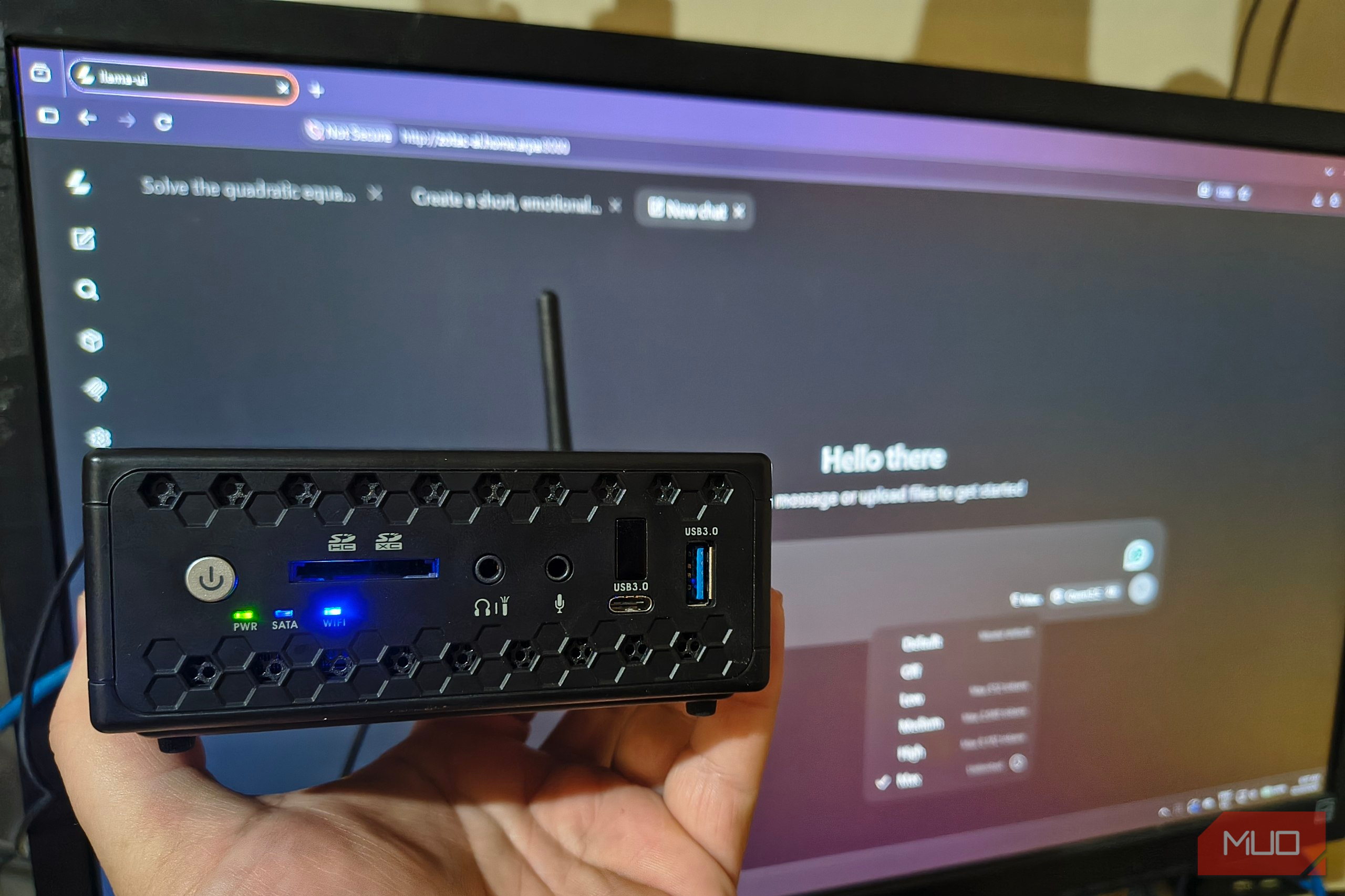
I’ve wanted to try local AI in my homelab, but the expense of setting it all up has unfortunately been putting me off. From what I can see, local AI would require me to spend thousands on a server with multiple GPUs, a lot of memory, and power consumption equal to that of a small supermarket. Before building anything I’d call serious, I wanted to see how little hardware I could realistically get away with. My decade-old Zotac mini PC seemed suitably underqualified, having been released well before anyone had even heard of a Large Language Model. What followed was an exercise in patience, but also a fantastic starting point for anyone wanting to experiment with local AI without the expensive gear. I gave my old Celeron a very modern job The hardware was ancient by modern standards, but who needs a GPU anyway? My test machine was a Zotac ZBOX C1325 nano with a less-than-impressive Celeron N3160, 8 GB of RAM, and a cheap SSD. I installed Ubuntu Server and compiled llama.cpp, which is suitable for running on low-spec machines like a Raspberry Pi. For my build, llama.cpp would ultimately run the models and provide a browser-based chat interface. I configured the build for the Zotac’s processor and CPU-only inference. From the source directory, I built the tools with two parallel compilation jobs: cmake —build build —target llama-server llama-cli llama-bench -j 2 I ended up choosing SmolLM2, Qwen3.5 0.8B, and Qwen3.5 2B, all in Q4_K_M quantized versions. Quantization reduces the precision used to store model weights, thereby reducing compute requirements. Unfortunately, this does come with a few quality tradeoffs, but I needed to be realistic. Once I’d launched llama-server, I opened zotac-ai.home.arpa:8080 from my browser. The browser displayed the conversation much like ChatGPT does, while the Zotac did the actual inference. Now, I never once expected this to be a replacement for Claude, Gemini, or ChatGPT. I did assume, however, that it could at least perform some basic text-based tasks. Whether the models followed my instructions was the next question. llama.cpp is a free, open-source engine for running language models on your own hardware. It supports CPU and GPU inference, quantized models, and a built-in browser chat interface.
- Developer(s)
- ggml-org
- Platform(s)
- Desktop, server
- Price model
- Free and open source My smallest model made some surprisingly big mistakes Larger models improved the answers, but I still need to checked them I started with the small task of making a line from an email sound a bit more polite: Hi Sam, the report still hasn’t arrived. I need it by 3 pm today so I can finish the client presentation. Please let me know if there’s a problem. First, SmolLM2 360M attempted to rewrite it, and the response was friendly enough. However, it had dropped both the deadline and the presentation, plus offered further information I never included. Then I gave it an extraction task. I supplied a note requesting 12 replacement keyboards for a Chicago office on Thursday, and asked for four labeled fields. SmolLM2 returned these four fields:
- Item: 12
- Quantity: 12
- Delivery day: Thursday
- Delivery location: Chicago Office Three correct fields, but I wouldn’t want to be the person fulfilling that order of “Item: 12.” The summary task I gave SmolLM2 resulted in yet another mistake. The source prompt described a simple scenario of an upcoming Wi-Fi replacement in Chicago, while explicitly mentioning that Boston wasn’t affected. SmolLM2’s response hilariously stated the Chicago work was completed and claimed Boston was still working on its replacement. Compression had clearly been used, but changing what happened wasn’t what I’d call an adequate response. Qwen3.5 0.8B was a noticeable improvement. Its email response preserved the deadline and presentation context, and its extraction identified all four fields correctly. Those were answers I could see myself actually working with. However, its two-sentence summary for the Boston Wi-Fi job completely omitted the reason for replacing the Wi-Fi equipment despite my instructions to preserve it. The 2B model produced a lovely, polite email and another correct extraction. Its summary of the Wi-Fi tasks finally covered the replacement, frequent disconnections prompting it, and what employees needed to do, all within the stipulated two sentences. For a final test, I asked the 2B model to solve a quadratic equation, show its factorization, and verify both answers: 2x² − 7x + 3 = 0 It correctly factored this into (2x − 1)(x − 3) = 0 , found x = ½ and x = 3 , and checked both by substitution. One correct math task doesn’t instill enough confidence for 2B to become my math tutor, but it was satisfying watching my little machine get the entire task correct. I ran out of patience before I ran out of RAM The models fit comfortably, but short answers could take minutes The better answers came with a time cost that I could measure by watching YouTube videos while waiting. Dealing with the boredom of waiting for the model to generate text was only part of it. Before answering, it had to process the input, including formatting and instructions packaged with my prompts. The first email requests gave me the best comparison. Both Qwen models processed 396 prompt tokens, which are the chunks of text a model works with. The 2B model spent roughly 202 seconds processing that input, followed by another 26 seconds generating its short rewrite. | Model | Total server processing time for the first rewrite task | Generation speed | | Qwen3.5 0.8B | 90 seconds | 2.63 tokens/second | | Qwen3.5 2B | 228 seconds | 1.23 tokens/second | That distinction was actually pretty important. A generation speed of approximately one token per second sounds slow, but it’s tolerable for a short answer. Waiting more than three minutes before it could really get going wasn’t quite so easy to accept. The problem wasn’t memory capacity. When running htop during inference, all four CPU cores were maxed out, while the server’s memory ranged from about 390 MiB with SmolLM2 to 1.3 GiB with Qwen3.5 2B. Swap was never used in any of the test runs. The everyday experience of using these LLMs on the mini PC was getting clear. In most cases, I got a useful answer, but I could honestly finish the tasks myself before that answer arrived. When using an LLM on a PC with constrained resources, keep requests highly focused and ask for concise answers. On my machine, processing the input took up most of the wait time, so a short answer alone doesn’t guarantee a quick response. I’m retiring this setup, but I’m just getting started with local AI The Zotac helped me decide whether better hardware would be worth exploring For obvious reasons, I won’t be keeping the Zotac as an AI server. For these short tasks, I would be better off just writing the email or creating summaries myself. Qwen3.5 0.8B offered the most promising compromise in my trials, but even that model missed information I explicitly asked it to include. Still, the experiment did exactly what I wanted. I ran models offline on hardware I already owned, used them through a familiar chat UI, and got some relatively useful answers. Basically, I found out that I enjoyed tinkering with local AI before splashing out on the hardware. What this experiment also showed me was that you don’t have to abandon the idea of experimenting because high-end machines are beyond your budget. An old computer can still give you somewhere to start. Mine helped me discover an interest worth pursuing, even if it won’t be coming along for the ride.