Summary
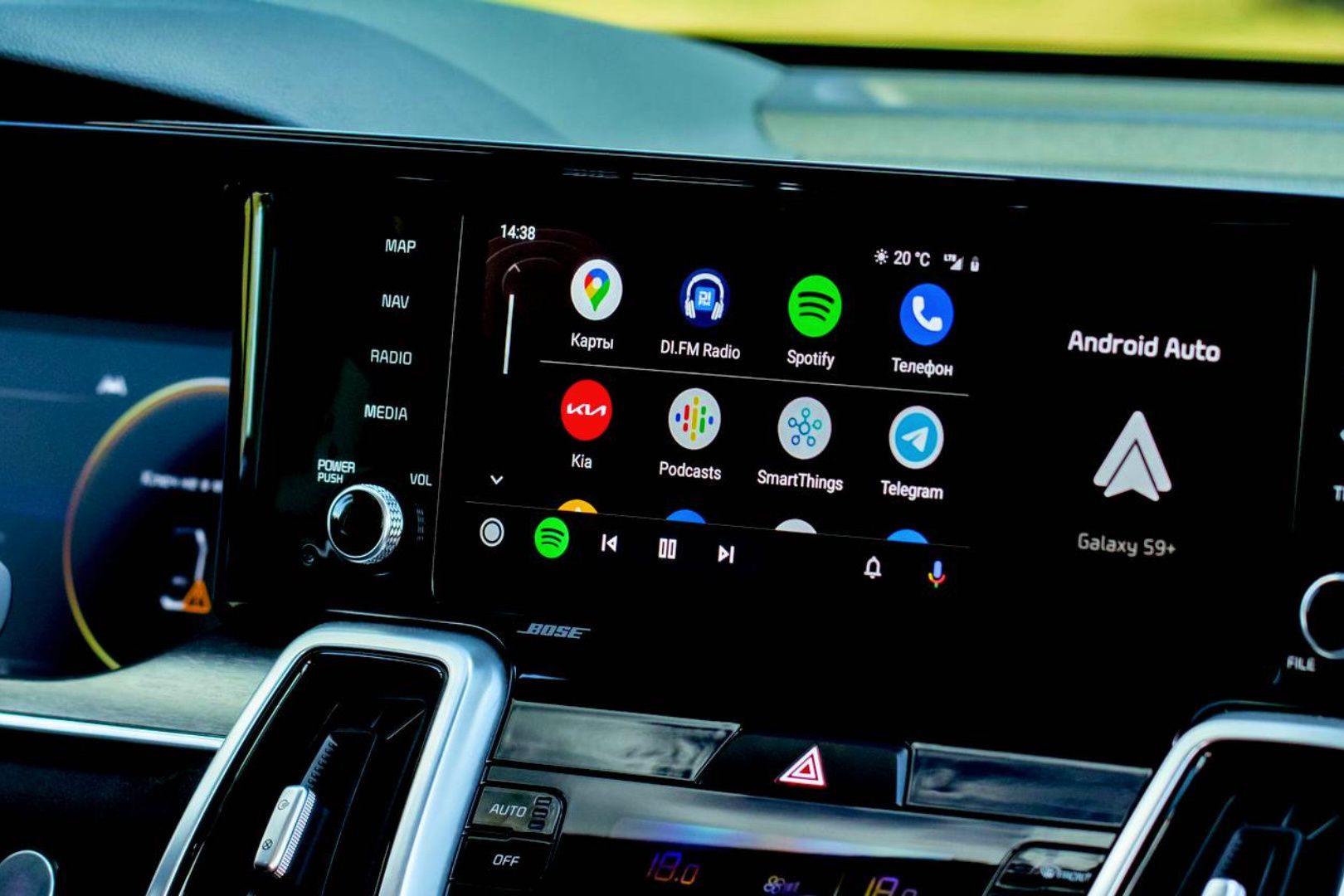
Android Auto can put Home Assistant controls on your car’s dashboard. But toggling light bulbs when you’re in your car isn’t very useful. The more interesting feature is something that you don’t have to tap: a sensor that tells your home when your phone connects to the car. Combine that with location and household occupancy, and you can build automations around leaving, driving, and arriving. This isn’t just another way to turn on the lights, it’s a way to make your home aware of your presence before you’ve even walked into the front door. Android Auto is a slightly nosier remote control No extra download, a few favorites, and the Companion app doing the work You don’t need a separate Android Auto download for Home Assistant to start working. The driving interface comes through the Home Assistant Companion app on your phone. Sign into your server, connect to Android Auto, and open Home Assistant from the car’s launcher. While parked, head over to the app’s settings, followed by Companion app and then Android Auto favorites. This is where you can select entities worth having accessible from your car’s dashboard. Anything from switches, garage doors, lights, locks, scenes, and scripts is supported, while sensor favorites can display information such as whether a door is open. Keep this screen focused as it’s better to have a handful of controls you use than scrolling through every smart plug you own when you’re pulling in your driveway. Keep in mind though that your phone will also need a way to access your Home Assistant server remotely. I use Tailscale as a sane way to access my home network remotely, but you can also use Home Assistant Cloud or an active VPN. Your car now tells your house you’ve left One sensor, one zone, and a check that nobody’s left sitting in the dark The starting point for most of your automations will be the Android Auto connection sensor. You can enable it via the Manage sensors options in the companion app settings and once enabled, it reports whether your phone is connected, giving Home Assistant a trigger that’s way more specific than detecting your phone has left the house. A practical departure routine could trigger when you leave the home zone, require Android Auto to be connected, and check that nobody else remains home. With compatible devices integrated, its actions could switch off forgotten lights, adjust the thermostat, and lock the front door. The occupancy check is an important step as you wouldn’t want everyone else at home sitting in the dark while you’re out of the house. Connecting while still parked can also trigger a pre-departure check for an open garage or unlocked door. Think of the connection as context, not proof that you’ve gone somewhere. Test the routine over several trips before letting it handle anything more consequential than lights or reminders at home. Your house can finally be ready before you are Zone triggers, sunset conditions, and an AC that beats you home Reverse that logic for the trip back, and your house can be in perfect shape before you even unlock your front door. Entering a home zone can trigger an automation, while the Android Auto sensor supplies the condition that you’re arriving by car. Add a sunset condition, and a proposed arrival routine could turn on the driveway and hallway lights only when it’s dark. Another straight up cool thing to do is to have your house be the right temperature when you walk in. I’ve already built a climate control module that helps me control my ACs using smart plugs and Home Assistant. When I enter an approach zone, the climate control unit’s temperature sensor monitors the temperature in my office (which also happens to be the first room I enter after I arrive in my apartment), and turns the AC on to make sure I’m not walking into a hot room on an already hot day. One script to rule the thermostat A workaround for everything your car dashboard won’t let you touch Scripts can make your car dashboard much more powerful than its short list of supported device categories suggests. Android Auto can launch a script, and that script can in turn run a sequence of Home Assistant actions. A single “heading home” trigger can adjust the thermostat, switch on selected lights, and notify someone at home. This also provides a useful workaround for devices without direct dashboard controls. Climate entities are often not on the documented actionable-domain list, but a script can perform any actions they expose. Granted you’re launching a predefined routine, not getting full control from your car, but it’s still a lot more ability than nothing. Scripts can also be kept sensible with conditions, and Choose blocks can run different sequences depending on circumstances. For example, an evening version could use dim hallway lighting instead of a brighter daytime setting and so on. Notifications can ride along, so ration them One car_ui flag, and an alert policy stricter than your motion sensors Home Assistant notifications don’t appear in Android Auto by default, but adding car_ui: true to notification data enables them on both the phone and car display. That makes any alert that needs to appear on the screen much more useful. Opening these notifications will take you to Home Assistant’s driving interface. Android Auto doesn’t support every notification feature, and popup behavior also depends on the phone’s notification-channel settings. Reserve these alerts only for things that are worth interrupting a drive, not every motion sensor update. Your commute is now part of your smart home Start small, test hard, and never let a GPS ping unlock your front door Home Assistant on Android Auto turns your car (or bike) into a surprisingly capable extension of your smart home. The dashboard controls are handy, but the real power lies in automations that understand when you’re leaving, arriving, or connected to the car. With just a few carefully chosen triggers, scripts, and safeguards, your commute can become part of your smart home’s routine instead of a separate experience. Start small, test automations thoroughly, and avoid giving location-based routines unchecked controls over locks and doors. Before you know it, your smart home will feel a lot more intelligent.