Summary
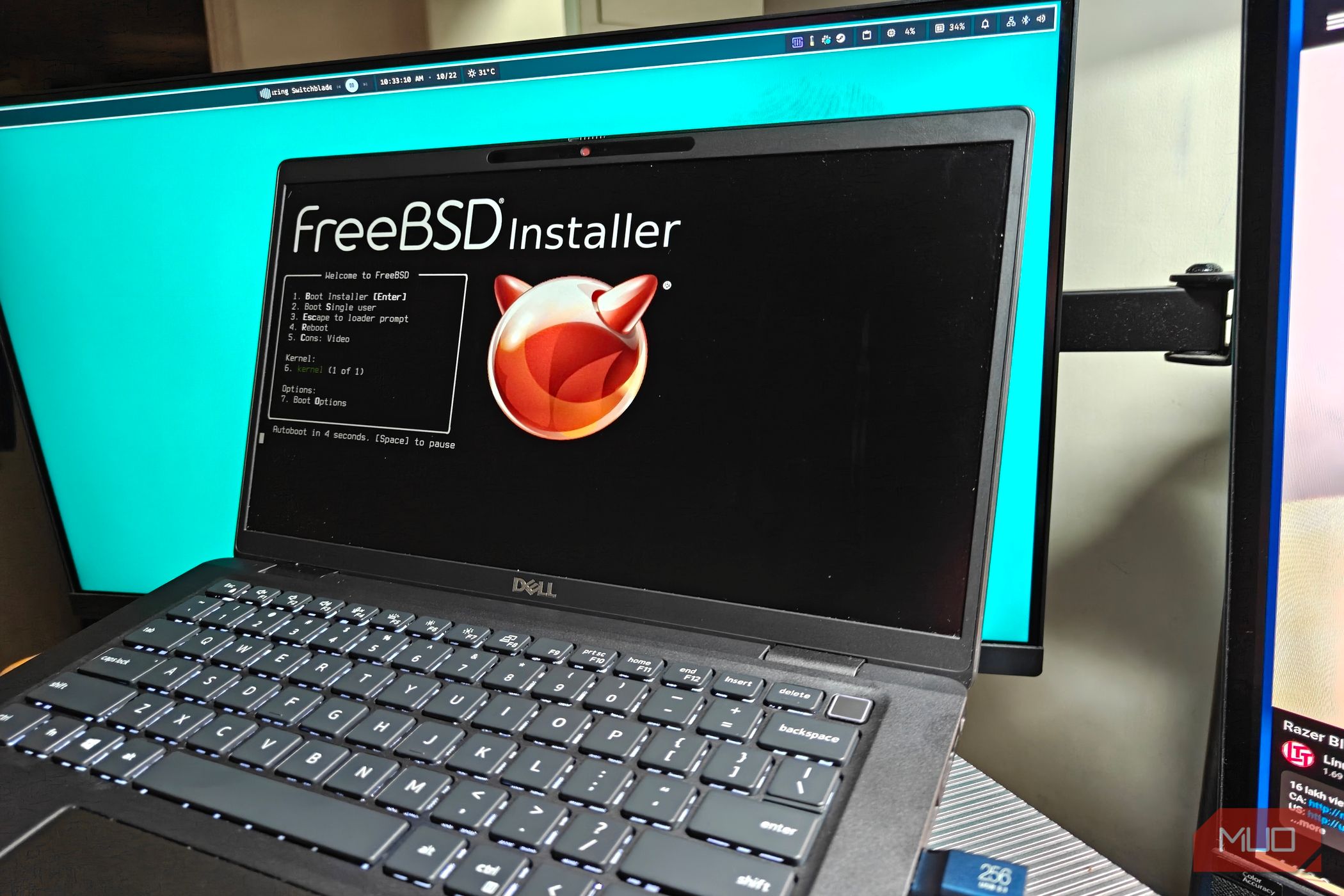
Operating systems go beyond just the big three (macOS, Linux and Windows), and many of the world’s computers have been silently running on another, different kind of UNIX-based OS all this time. I’m talking about BSD (and its many derivatives), of course. BSD powers many systems, including the likes of the PlayStation 5, and many major servers across the globe. That’s not to say that BSD is entirely closed source or restricted to the public: far from it. I spent a month trying out FreeBSD on one of my older laptops, and the experience was interesting, to say the least. Installing FreeBSD on the target system An older laptop, but the OS goes with almost anything For the installation, I chose an existing, older laptop. More precisely, it was a Dell Latitude 7320 with a whopping 32 GB of DDR4 RAM and a rather mediocre Intel Core i7-1185G7. This 4-core 8-thread CPU has a TDP of 28 W and is about alright for a basic machine. Don’t expect it to play any serious games or manage anything beyond a few dozen tabs of Firefox. Still, FreeBSD is incredibly lightweight and runs on just about anything, making it an ideal candidate for older laptops such as the Dell or even far weaker machines. As for the installation process, it was relatively straightforward. FreeBSD comes with an easy-to-understand installer terminal, and it does all the heavy lifting for you. I’d recommend using a wired connection for the installation — FreeBSD does not handle Wi-Fi intuitively at all, and Ethernet requires zero configuration. Just make sure to create a separate user account and enable network time synchronization before you finalize. Once installed, I performed a reboot, and the problems started to surface. FreeBSD is incredibly minimal, and you’ll have to configure things like suspend on your own. These are not preconfigured out of the box. Even setting up something like Wi-Fi was completely unintuitive, and had me spending a good 30 minutes on it. I spent a good few hours trying to complete the installation, choosing to eventually settle on KDE Plasma as the desktop environment of choice. It’s feature-complete and requires minimal work to get up and running. To be blunt, it’s probably not particularly great as a desktop daily driver. Things require a lot of work to set up and there’s better use cases for FreeBSD. It’s nice to have the option, though. Honestly, if you’re looking for something that supports more hardware and makes more sense for regular use, Linux is the more obvious choice. A direct consequence of this minimal approach is a completely bare-bones system, and one that you can populate with exactly what you need. In other words, you can avoid most of the “bloat” you’d see bundled in Linux distributions of late. Naturally, this makes it an amazing fit for networking devices which really don’t need a graphical user interface to run things in the background (or most other packages). I want to love FreeBSD, but Proxmox suits my needs better Apples and oranges FreeBSD is certainly capable and can do a lot of things, but it just pales in comparison to Proxmox for my use case. I use a lot of virtual machines, along with GPU pass-through, which suits my needs better. PCI pass-through is technically supported on BSD, but it is a lot more difficult to set up and lacks many features. For starters, GPU pass-through is very much a hit or miss, and with Nvidia and newer AMD cards you will start to run into issues. Proxmox is tuned for virtualization, and just works better in this regard. You get a web user interface, snapshots and backups right out of the box here, unlike FreeBSD, where you’d have to assemble everything from scratch. That said, FreeBSD has its uses. Jails in particular is quite the game changer, and what I consider to be essentially a superior version of LXC containers. Since each Jail has its own isolated environment, you can run separate networking and resource limits. It’s also possible to make a miniature, secondary FreeBSD system, or even a Linux userland using something like Linuxulator. The possibilities are far more. Who is FreeBSD for then? In a nutshell, FreeBSD is for power users who want to keep a stable, well-maintained, and documented system for personal or enterprise use. They’re especially great on server systems and network appliances, which run super lightweight versions of BSD on devices such as routers and network switches. Continuing on with the networking theme, FreeBSD is also an excellent operating system for NAS builds and storage clusters. It’s incredibly lightweight, despite packing a ton of features. More importantly, it is incredibly stable. A direct consequence of this is poor support for bleeding-edge hardware, which is where Linux shines. Gaming is technically feasible, but driver support is poor, which makes it (mostly) an afterthought. If you’re someone who tinkers a lot with embedded and network devices, it’s definitely worth a look. Chances are, you’re already running it already.