Summary
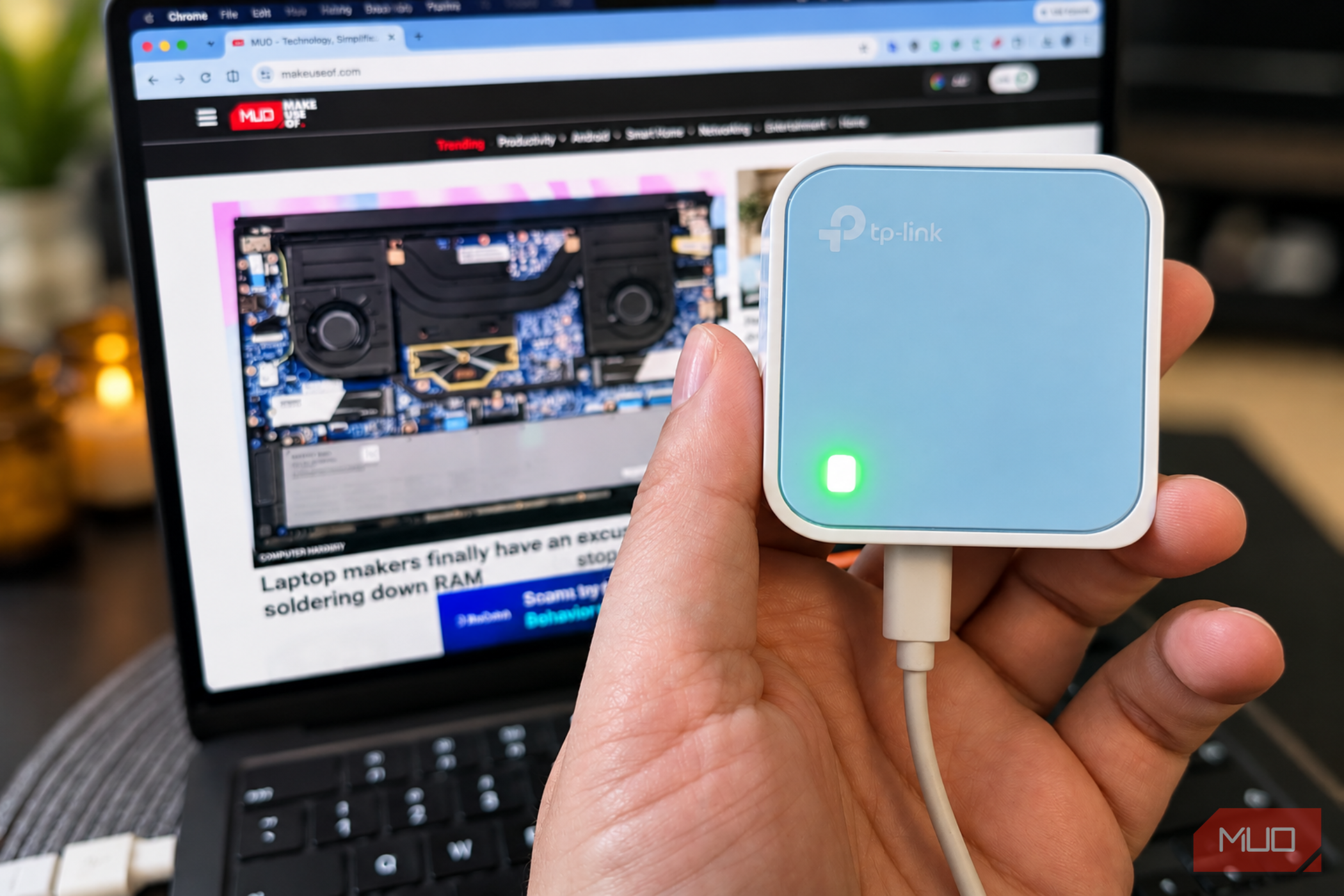
Hotel and public Wi-Fi is frustrating when I have to sign in through a browser, reconnect multiple devices, or deal with networks that limit how many devices I can use. I also think twice before using it for important tasks or logging into sensitive accounts, since these networks are shared by strangers, and you don’t always know how they’re configured or who else is connected. Thankfully, my trusty old TP-Link travel router usually solves these issues by creating a familiar and more secure network wherever I go. Protect your network against malicious activity Public Wi-Fi is convenient, but security matters By connecting directly to your hotel or coffee shop Wi-Fi, you’re placing your trust in that venue’s network configuration and security. Sure, modern websites use HTTPS to encrypt your data in transit, but that doesn’t mean that your devices are 100% safe when checking accounts, working remotely, or handling sensitive information. In router or hotspot mode, a travel router creates your own local network behind the venue’s connection, adding an extra layer of security with a firewall that shields your devices from unsolicited incoming connections. On top of this, you set your own password for the travel router, which helps prevent unauthorized access to this personal network. Even my 20 [TP-Link TL-WR802N](https://www.amazon.com/dp/B00TQEX8BO?tag=makeusw-20&ascsubtag=UUmuoUeUpU2046342&asc_refurl=https%3A%2F%2Fwww.makeuseof.com%2Fyour-hotel-or-coffee-shop-wi-fi-has-a-problem-and-this-20-gadget-can-fix-it%2F&asc_campaign=Feed) travel router supports WPA/WPA2 wireless security and an SPI firewall, which, while not a substitute for HTTPS, updated software, or a reputable VPN, gives me extra peace of mind when using public Wi-Fi. Connecting multiple devices isn’t a hassle One router means fewer logins and a familiar network I often use a laptop, tablet, and mobile simultaneously while working remotely, or wish to [connect all my devices when I arrive at a hotel](https://www.makeuseof.com/how-share-hotel-wifi-with-all-devices/) for convenience. One of a travel router’s greatest benefits is that I can connect them all to my private network, and they stay connected for the duration of my visit. I use the same Wi-Fi name and password for the router, so they all connect automatically once the router is configured, and setup takes around a minute. There is a catch, however: browser-based captive portals don't always work with travel routers. Some let you complete the login through a connected device, while others impose device-registration rules, session limits, or restrictions on connection sharing. Circumventing these issues on the travel router is usually too tricky and simply not worth the extra effort for convenience’s sake. Also remember that a private Wi-Fi password doesn't encrypt all your internet traffic. In these instances, I [connect via ExpressVPN](https://www.makeuseof.com/why-expressvpn-best-vpn-for-speed-security-value/) for sensitive tasks. My 20 TP-Link router has several uses Create Wi-Fi from a wired connection or extend an existing signal My catchily-named TL-WR802N travel router is small enough to pack into my tech pouch alongside my charging cables, but it supports several operating modes, including:
- Router mode: Creates your own Wi-Fi network from a wired internet connection.
- Access Point mode: Turns a wired network connection into Wi-Fi.
- Range Extender mode: Extends an existing wireless network.
- Client mode: Connects a wired device to an existing Wi-Fi network.
- Hotspot or WISP mode: Connects to an existing wireless network and shares that connection through your own network. The two modes I find most useful are Range Extender mode, which rebroadcasts an existing Wi-Fi network to extend coverage. This is useful while staying at friends’ houses, rental apartments, or at home where the original signal doesn’t reach every corner. Hotspot mode is the most relevant option, however, as it connects to an existing wireless network and shares the connection through my own network across several devices. The unit powers from either the included charger or my laptop’s USB port. Functionality varies by model, and mine is a budget, entry-level option from a reputable brand. The latest versions often feature dual-band Wi-Fi, faster Ethernet, modern Wi-Fi standards, USB tethering, built-in VPN client support, and battery-powered wireless connectivity. A travel router simplifies remote connection, but know its limitations A travel router won’t speed up a slow connection, and there’s no guarantee that every public connection will accept it. It won’t make you anonymous online, and security benefits depend on its operating mode, firewall settings, wireless encryption, and firmware. If you’re considering a travel router, I recommend buying an updated model, setting a strong, unique Wi-Fi password, changing any default administrator credentials, and keeping the router updated whenever updates are available. For occasional trips, a budget travel router can make connecting devices easier while adding a useful layer of security in Hotspot mode. However, if you regularly work with sensitive information, consider a newer model with ongoing firmware support and a built-in VPN client. While mine isn’t the fastest or most secure travel router on the market, it’s earned its place in my tech bag, and I recommend a similar device to any frequent traveler, digital nomad, or regular coffee shop worker for convenience and peace of mind.