Summary
Smart bulbs are the quick and easy way to bring wirelessly controlled lighting to your home, even if you live in an older house, condo, or apartment. They require constant power and a steady Wi-Fi connection, and flipping the physical switch that controls your light socket temporarily breaks the setup. That’s why smart home builders often turn to smart switches instead. Smart switches connect to your smart home through the wiring in your wall, and work with any type of bulb — including incandescent, LED, or halogen bulbs.
So long as your electrical wiring supports them, smart switches are simple and easy to install. They allow you to keep using the light bulbs you already have, and prevent guests from disconnecting the lights by accidentally flipping a “dumb” switch. The tricky part about smart switches is that they require a third electrical wire many American homes lack. If your home is missing it, there aren’t any easy solutions.
Smart switches depend on a third wire
The neutral is what keeps them always powered on
The light switches we’ve been using to control power in American homes for decades are simple. It serves the basic role of connecting your light socket to your home’s power box, regulating that connection. When the switch is active, electricity flows to the light bulb. Flip the switch off, and the connection breaks, cutting the light bulb off from the power it needs to illuminate.
The physical switch is a binary device that doesn’t require any power of its own. It has two possible states — on and off — and it merely controls whether electricity flows through. As such, older switch boxes only have two wires inside. A two-conductor cable ran through the wall, while the neutral wire only connected to the light socket itself. It seemed like a good idea at the time, but smart switches have different demands.
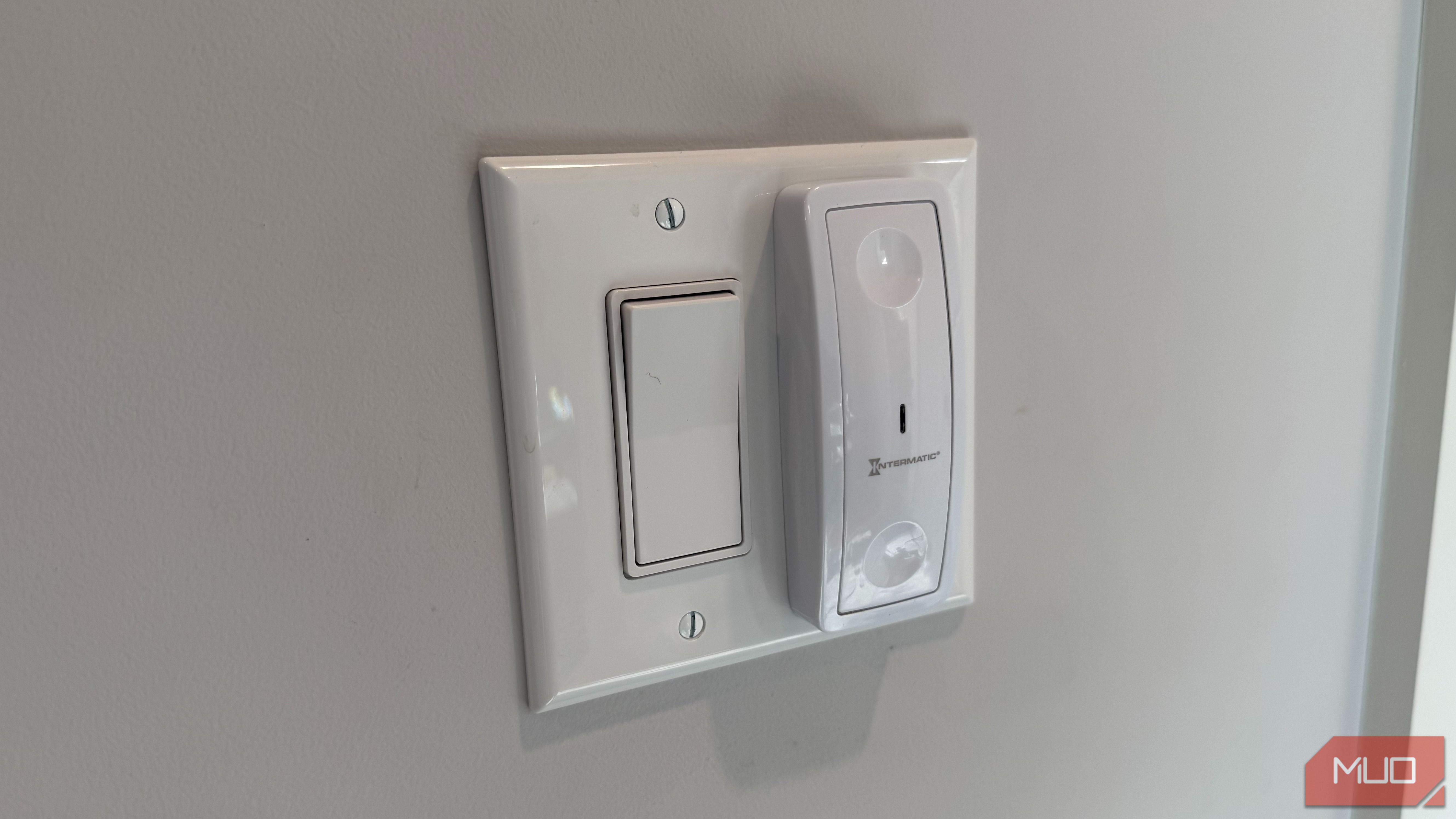
Smart switches must receive power 24/7 in order to maintain a connection with your smart home hub and app ecosystems. Even when the light is off, the smart switch needs electricity to communicate with hubs, smart controllers, digital assistants, and apps. Without it, there would be no way to control the smart switch from afar with your voice, a smartphone, or something else.
That’s a problem for switch boxes with only two wires, as the neutral wire needed to complete the electrical circuit is missing.
 Leviton Decora Smart No-Neutral Switch DN15S-1RW
- Brand
- Leviton
- Integrations
- Alexa, Google Assistant, Apple Home, SmartThings, Sonos
- Neutral Wire Required
- No neutral required (LINE, LOAD, and GROUND connection required; requires MLWSB Decora Smart Wi-Fi Bridge, sold separately)
- Measurements
- 4.13 in (H) x 1.4 in (L) x 1.7 in (W) The neutral wire wasn’t standard until 2011 The wire that smart switches need might not be in your wall To understand why a neutral wire is crucial to running smart switches, we need to review what each wire does. The hot wire delivers standard 120V electricity from your home’s power box to an outlet, appliance, or switch. A basic switch box has two hot wires — one that’s always carrying live power from your breaker panel, and another that only delivers live power to your light socket when the switch is activated. The neutral wire that completes the circuit and turns on the light bulb is in the ceiling, not the wall. This is true of tens of millions of homes and apartments in the U.S., because switch boxes with neutral wires weren’t standardized until 2011. If your home was built before that year, your switch boxes may still have a neutral wire; it just isn’t a guarantee. If your home was built in the mid-1980s or earlier, there’s a good chance your light switches do not carry the neutral wire required to complete the circuit and power a smart switch. Since the National Electrical Code was updated in 2011 to mandate neutral wires in most light switch boxes thereafter, newer homes can upgrade to smart switches with no issue. The problem affects older homes in particular, and there’s no simple fix. Adding a neutral wire to the switch boxes in your home is a complex and expensive job for an electrition. You can figure out whether your switch boxes have a neutral wire. But remember, don’t unscrew the plate cover until you’ve turned off the breaker for the circuit powering the switch and light socket. Verify the power is off with a tester for safety, and after that, you’re ready to look at your wires. If you see white wires connected to the back of the switch box, you have a neutral. The copper wire is your ground and the black wires are your hot wires, so if you don’t see the white bundle of wires, you’re out of luck. No-neutral switches are an imperfect solution They might be the best alternative to rewiring your house The best alternative for those without a neutral wire behind their light switches is a no-neutral switch. As the name suggests, this kind of smart switch is designed to work without a neutral wire. However, it does so by using an imperfect workaround. A no-neutral switch keeps a bit of power running to the light socket, even when the switch is turned off. This keeps the smart switch online and connected, but it could cause your light bulbs to make noise or slightly flicker, even when they’re turned off. Another option is to use a wireless remote for smart bulbs in place of the physical switch, but then you’re relying on finicky smart bulbs again. Put simply, there isn’t a perfect solution short of rewiring that solves the problem of a missing neutral. That said, if you know how your home is wired before you pick out your smart lighting solution, you can save time and money.