Summary
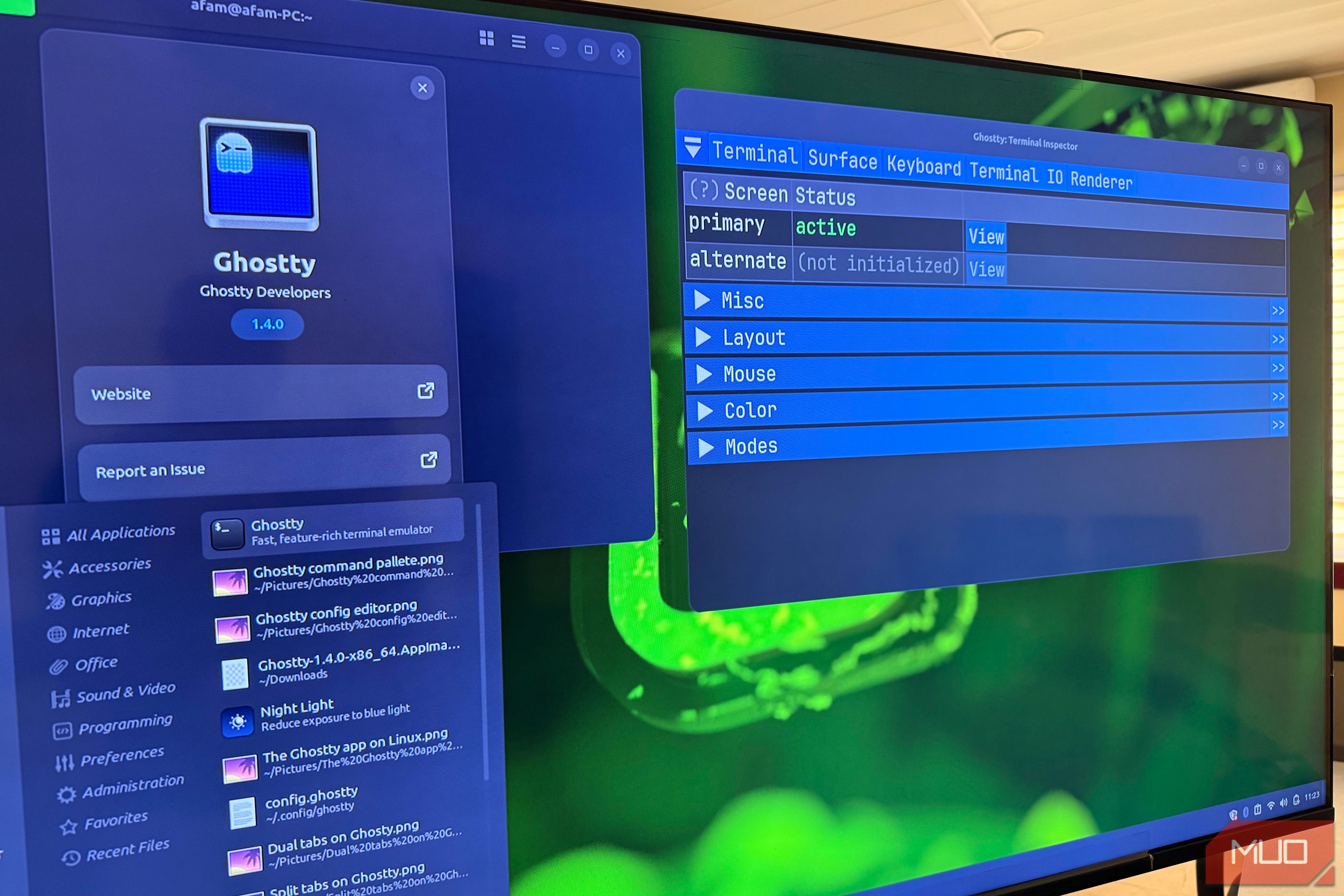
Mitchell Hashimoto is best known for co-founding HashiCorp, a company IBM bought in 2025. However, you may not know that he also built a terminal app that you can use for free. This tool is called Ghostty, and it replaced my default Linux Mint terminal. It runs on macOS too.
You probably believe terminals are the least interesting software available, but this one is fast. The reason it exists may be an even better story.
Fast, and measurably so
Smoother output and a lighter footprint on Linux
Every time I open Ghostty, I go straight to the work I intend to do. This may feel bland, but my work often requires dumping an enormous load of text into my terminal, which in the past caused a marked delay. That delay is gone, and the window never feels like it’s catching up. The experience stays smooth even while I scroll through a long apt install log.
The Ghostty 1.4 release that landed on October 27, 2026, adds a lot of Linux-focused features. It cuts down on tearing since the renderer now draws frames on its own thread.
Any tab that’s not visible stops rendering altogether. This is great for me since I keep a few open all day, and now the idle ones don’t have to keep working. On my scaled display (125% and 150%), the text remains crisp and sharp.
There are memory improvements that I now appreciate. Ghostty compresses scrollback you aren’t looking at. For typical text, this can cut the memory usage by as much as 70 percent. This release increases the default history limit from 10MB to 50MB.
Here are Ghostty’s own numbers for 1.4 against its earlier versions:
|
Change in 1.4 |
Result |
Platform |
|---|---|---|
|
Printing a 150 MB text file |
1.5 s to 0.57 s |
macOS |
|
Scrollback memory |
70 to 90% less |
macOS and 64-bit Linux |
|
Resizing with 10,000 lines of history |
About 6x faster |
Not specified |
I haven’t benchmarked it myself, but in daily use, it feels faster than the previous version and absurdly fast compared to my default Linux Mint terminal. To be clear, your commands still take exactly as long as before. Ghostty only speeds up the window.
Free, and staying free
A nonprofit setup built to keep it that way
In December 2023, Hashimoto left HashiCorp. IBM completed its 150,000 donation to the Hack Club charity that’s separate from Ghostty. His reasoning is that terminals sit beneath developer machines and servers everywhere, so they deserve a non-commercial owner.
I find projects like this interesting, especially when you can check the money yourself. Ghostty keeps its finances public, and clearly shows that the project paid $41,820 to contracted contributors during the 1.4 development cycle.
With free tools, I’m always curious about who owns them and where the money goes, and Ghostty is quite transparent about both.
Built for one picky user
A side project that grew past its creator
Ghostty was a personal side project that spent long periods in beta, and this period included more than a thousand testers before it was publicly released. I didn’t think I’d care about a terminal—and Hashimoto expected the same. In his reflection after releasing version 1.0, he said he expected a niche audience and no hype at all.
On Linux, Ghostty uses GTK4 and libadwaita, so it feels like your other apps instead of a window ported from another platform. Now I can even arrange splits by dragging them—a feature macOS got first.
It has evolved a lot from the early days. It once lacked basics such as scrollback search and proper scrollbars, but now includes both.
Libghostty is the engine underneath Ghostty, and that’s still the biggest surprise. It’s already used in several terminals, and libghostty-based terminals may even have more users than Ghostty itself.
Worth trying, with limits
This is one to skip for anyone who never opens a terminal. If you paste commands from tutorials or run command-line tools, Ghostty is an easy upgrade. You can keep your current terminal while you install Ghostty and decide whether you prefer it.
The project has dropped plans for a Windows version, so if you primarily use Windows Ghostty won’t be available. Also, since the settings are within a text config file, you’d have to edit those by hand.
You may look around for other GPU-accelerated terminals if Ghostty doesn’t suit you. I often recommend Kitty and Alacritty. I haven’t gone back to my Linux Mint default terminal since I started using Ghostty.
 Ghostty
- OS
- macOS, Linux
- Price
- Free Ghostty is a modern, GPU-accelerated terminal emulator that focuses on smooth performance, sensible defaults, and powerful features without getting in your way.