Summary
Linux can feel bloated at times, especially on an older machine. There are ways to offset this, and switching to a tiling window manager often helps. Hyprland, in particular, has been rather zippy, and it’s been a joy to use so far.
Naturally, I chose to take this to the next level and fire up Hyprland on a 14-year-old laptop for the kicks. This particular aging machine struggles with Windows 10 and should be as good as an optimization benchmark can get.
Meet the ancient netbook
2 Gigabytes of RAM and a measly AMD C-60 CPU
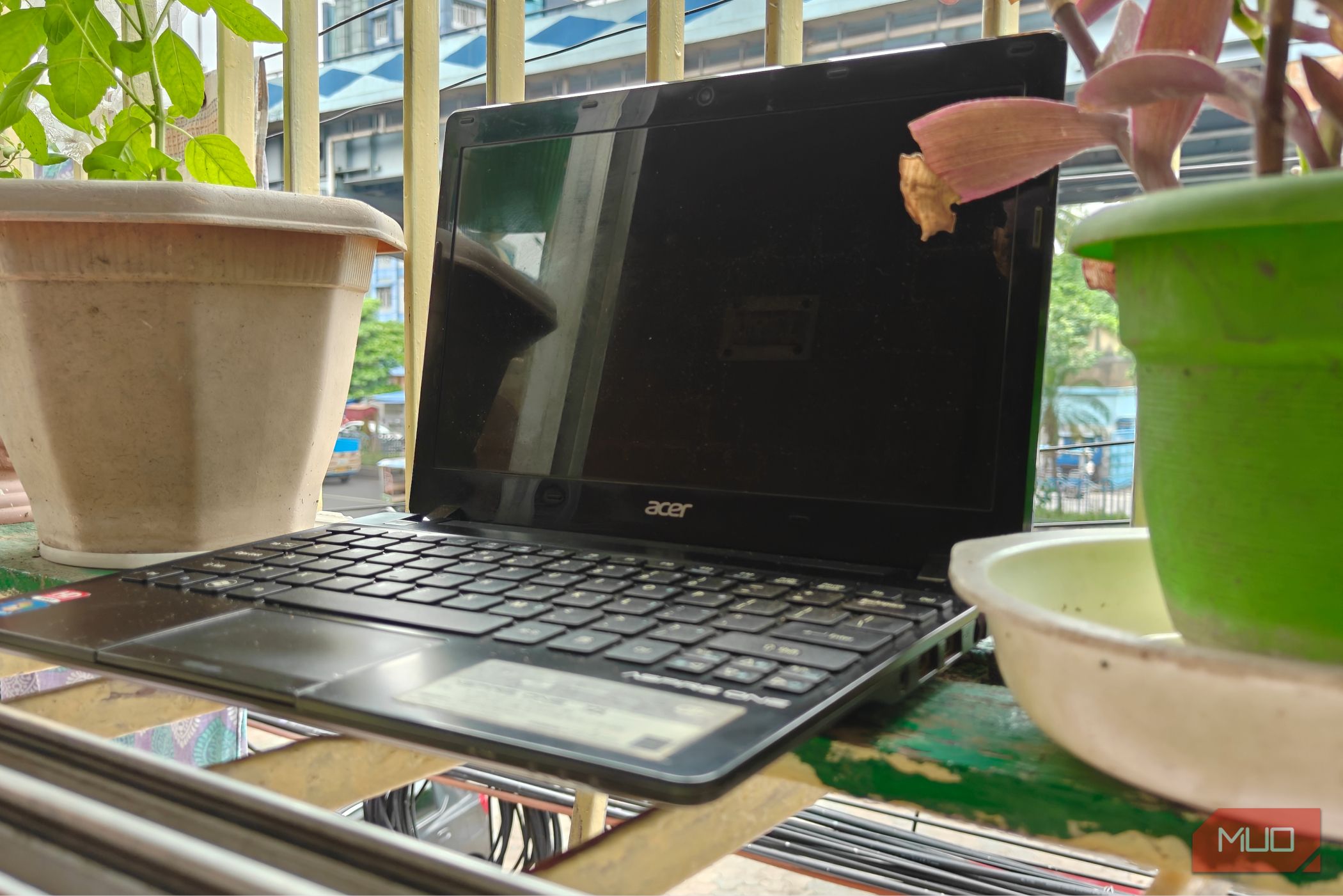
The target device in question is an ancient Acer Aspire One 725. This particular version of the netbook comes equipped with an AMD C-60 CPU and 2 GB of RAM, along with a mechanical hard drive (that I replaced with a 120 GB SSD).
It’s safe to say that this is no powerhouse, and its 9-watt TDP attests to the same. It’s the perfect candidate for this experiment, and Linux runs beautifully on this machine, assuming you can get to the installer first.
The laptop does not like Ventoy, and I had to flash the ISO directly onto my USB stick to get it to boot.
Installing CachyOS and Hyprland
And a few general optimizations
For the operating system of choice, I picked CachyOS. CachyOS is fast, optimized, and performant, making it an ideal choice for weaker machines. That said, something like MX Linux will certainly have an easier time dealing with those 2 gigabytes of (user upgradeable) RAM. You should fare better with at least 4, though.
CachyOS also happens to be based on Arch Linux, and it is something I am fairly familiar with. It also has access to the Arch User Repository, which houses a lot of applications and installer scripts.
There’s also a Calamares installer with Hyprland (and Noctalia Shell) as one of the available preconfigured desktops. I chose the same, and installing it was rather straightforward.
One reboot later, and I was greeted with the Hyprland desktop. Combined with Noctalia Shell (a Quickshell customization), what it essentially does is transform your tiling window manager into a desktop environment with minimal configuration.
It’s ridiculously easy to set up, although not all options are exposed in these menus, which require tweaks to the configuration file.
Out of the box, Hyprland is quite zippy. The animations feel smooth, and the weak laptop rarely has issues running the desktop as is, which was quite surprising. Things do start to break once you take multiple applications into account, however.
With only two cores to spare, the system quickly hits 100% CPU usage, and multiple Firefox tabs can cause memory to overflow into swap space, which slows things down to a crawl.
I’d recommend using this kind of laptop with one application open at a time. Hyprland by itself isn’t to blame here — there’s only so much you can do with such starved hardware.
Hyprland works better with some extra tuning
The magic is in the animations
All things considered, Hyprland works incredibly well. You can go all fancy with the full suite of animations if you’d like, but I like to keep things minimal, with square corners and basic animations.
Cutting animation speeds by half sure won’t make your windows have the fanciest of animations, but it does make Hyprland feel a lot more responsive. Noctalia has a surprisingly large number of configurable options, and I recommend experimenting with them and seeing what works best.
The key here is responsiveness. You don’t need a dozen different animations going off at once, as it slows everything down. And quite literally for our laptop here, which will struggle to render those fancy frames.
Linux can be as lightweight as you want it to be
Linux can be as bloated or as lightweight as you want it to be. If you need something that’s feature complete, I’d recommend a proper desktop environment like GNOME or KDE Plasma instead.
If you want something lightweight, a tiling window manager is usually the way to go, unless you start to use something like XFCE, which sips resources, even if it may not be feature complete.
And that’s not all. You can always choose to “debloat” your Hyprland setup — opting to go with Waybar and Fuzzel instead of the usual Quickshell options. These free up a lot of RAM, but the downside is that they require a lot more extensive configuration to work.
 Hyprland
- Developer(s)
- Vaxry vaxerski
- What’s included?
- The tools needed to make this work Hyprland is a tool for Linux that automatically organizes your open windows into a neat grid so they don’t overlap. It is basically a lightweight system that manages your screen layout for you, but you get total control over how everything looks and moves.