Summary
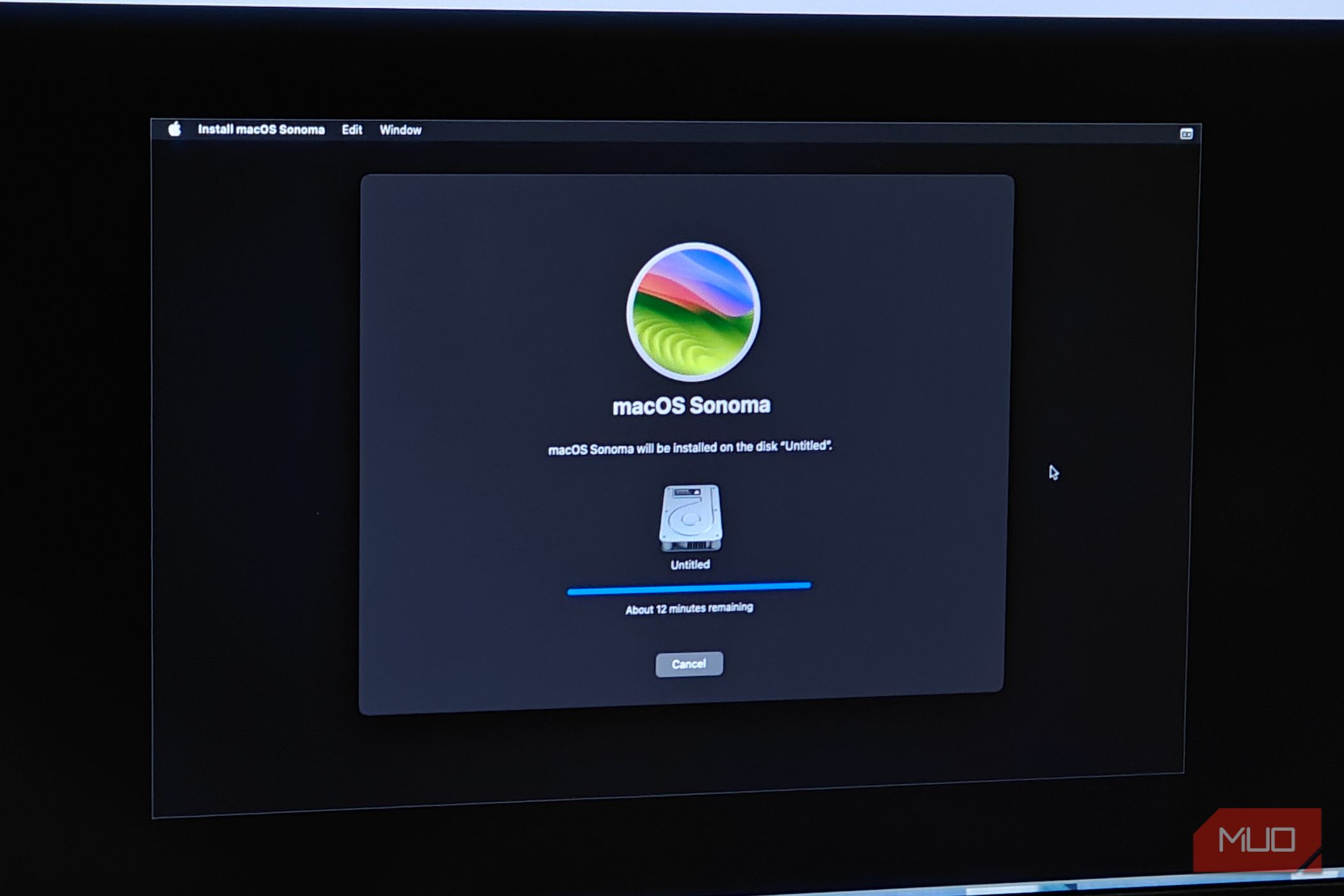
Running macOS on unsupported hardware isn’t a particularly new practice. Often affectionately known by the term “Hackintosh,” it’s used to refer to a PC that has been modified (with careful selection of parts and patched software) to run macOS. macOS isn’t designed to be used with non-Apple-certified hardware, but that certainly doesn’t stop folks from trying regardless. That said, the modern Hackintosh scene was all but dead, especially after Apple announced an end to Intel/x86 support. Things have changed a lot since, and we’re starting to see the first signs of life for a modern era of Hackintosh-ing with support for non-Apple ARM devices in the pipeline. And now it is finally possible to run macOS without a Mac, albeit with a lot of configuration. Hackintosh isn’t exactly a new concept The release of macOS Tahoe did throw things off balance for the project, however Apple has historically been picky about the hardware supported (and unsupported) by its operating systems. You need a very specific combination of PC hardware in order to be able to boot macOS properly — with GPU acceleration and all included. However, macOS was still deeply rooted in the x86 architecture, having full support for Intel processors. Until Tahoe came along, that is. Tahoe was marked as the last supported version of macOS for Intel-based Macs, and you were basically left in the dust if you didn’t upgrade to an Apple Silicon-based Mac. This also meant that Hackintosh-ing would no longer be a thing, and the shift to ARM from x86 (along with the increasingly closed nature of Apple Silicon) meant that the project was well and truly dead. And so Tahoe was marked as the end of it all. But times change, and recent events might just make Hackintosh-ing even more accessible than ever before. Enter the modern era for Hackintosh The age of AI and modern porting tools makes the impossible possible There have been quite a few exciting developments in the Hackintosh scene recently. The most promising of which has to be Snapintosh. As the name implies, Snapintosh boots a copy of macOS 27 Golden Gate on a Snapdragon X Elite laptop. More specifically, it runs on an ASUS Zenbook A16 with a Snapdragon X2 Elite processor. In short, it uses a hypervisor to convert the system calls into something that macOS can understand and accept, allowing for a surprising number of features to just work, including GPU acceleration. A traditional Hackintosh uses the classic custom bootloader and kext files (kernel extensions) to get things working, but Snapintosh is a very different kind of approach. It’s also far from complete, with the port requiring a bit of polish before it can be considered as daily driver material. And that’s not considering the other recent developments. A new set of custom Metal GPU drivers from NullMoth recently enabled the use of modern Nvidia GPUs. The RTX 5000 series is also supported, even if their implementation is far from perfect. Modern RDNA 3 GPUs also seem to be getting some form of GPU acceleration too, as are certain “unsupported” RDNA 2 cards. All of which goes to say that Hackintosh-ing is far from dead. If anything, it has seen a new life in the form of community-driven patches — and I’d wager we will see a lot more promising things in the near future. The other alternative is running macOS in a virtual machine If you’re planning to try out macOS for yourself, I’d recommend booting it up in a virtual machine first. There are plenty of guides online that detail every step of the way, but the one I particularly followed was DarwinKVM, which was a lot more in-depth and feature complete. Unfortunately, none of these solutions are particularly easy to configure or understand. It took me a few days to get the hang of it, but I was ultimately able to build my own macOS Ventura virtual machine, complete with GPU acceleration using an RX 6600 passed through to the VM. There are some definite advantages here. Virtual machines can spoof data more easily, and there is far less configuration involved in the whole process. That said, it’s not without its drawbacks, the biggest of which would be the need for device pass-through. You will need to pass through both a GPU and a set of input devices to actually use the VM, and that is a lot of work on its own. It doesn’t help that there’s no Looking Glass alternative for macOS either, which makes running virtual displays practically impossible. Still, this is but one of the many ways to run macOS on non-Apple hardware, and it’s always nice to have more options. Overall, I wouldn’t call Hackintosh a dead project. If anything, it’s seen a resurrection, and one I’m more than happy to witness.